5. MESSAGES
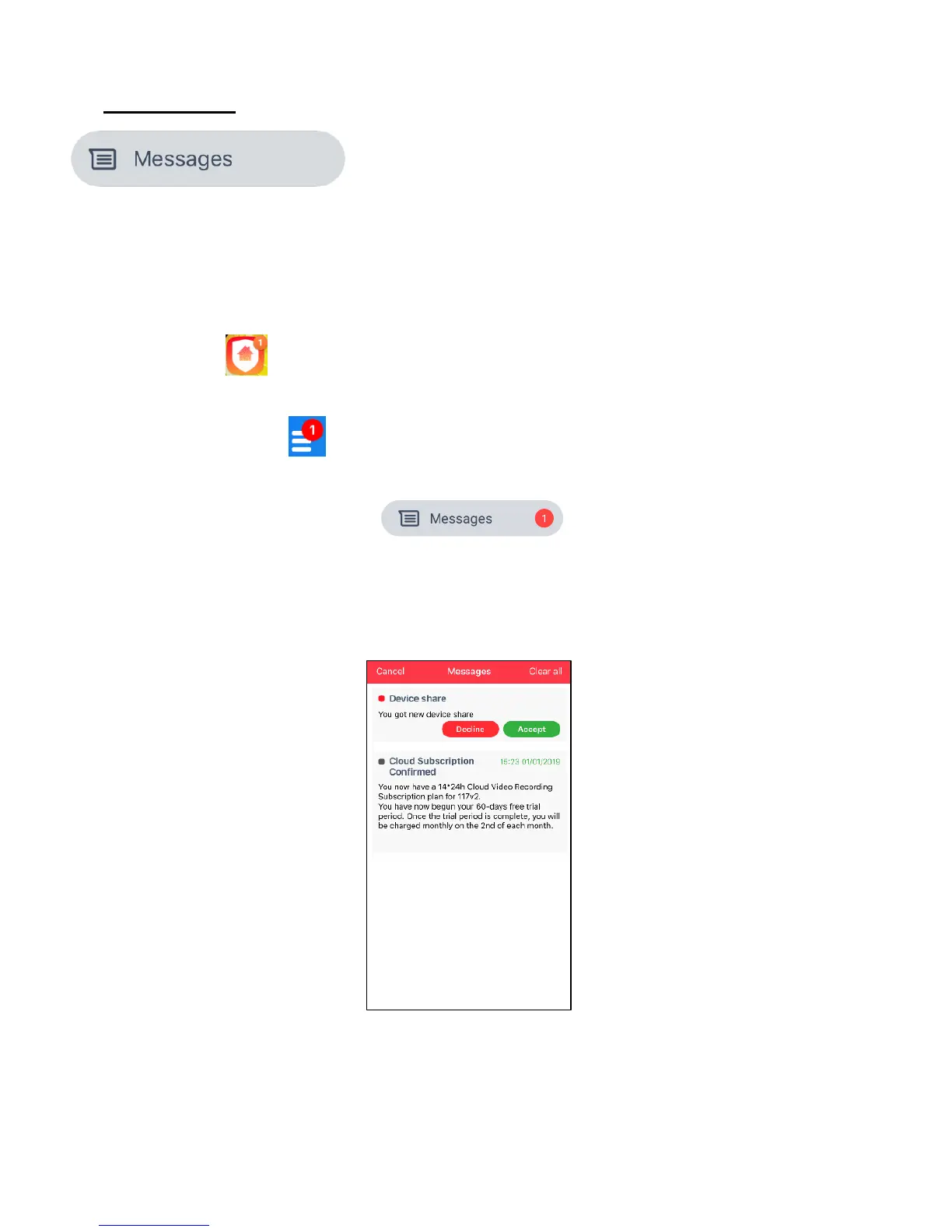
The Messages main menu option displays messages related to the sharing of your devices as
well as messages related to your Cloud Subscription of your IP Cameras.
NOTE: When messages are received you are notified in various ways:
- The app icon appears with the new message symbol along with the number of unread
messages.
- The Main Menu button appears with the new message symbol along with the number of
unread messages.
- The Main Menu > Messages option appear with new message symbol along with the
number of unread messages.
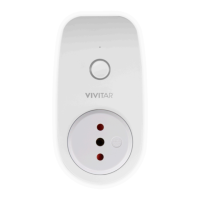
- After you selected ‘Messages’ from the Main Menu option, unread messages appear with
a red dot ⚫ by the message. All read messages appear with a black dot ⚫ by the
message.
NOTE: Recipients of your shared sensor receive a message to accept device sharing. You do
not receive a message regarding your shared sensor.


 To Next Page