2) Tap Sensors to enter the list of Vivitar Smart Sensors.
NOTE: Alternatively, you can scan your device’s barcode. Tap the Scan Barcode
button located on the bottom of the first ‘Add new device’ screen. This screen lists the
Smart Home devices, and then continue to the registration.
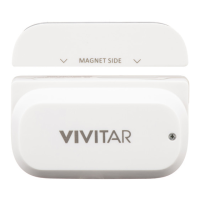
3) Tap WT-06 Wi-Fi Door Sensor to select and register your device.


 To Next Page