40
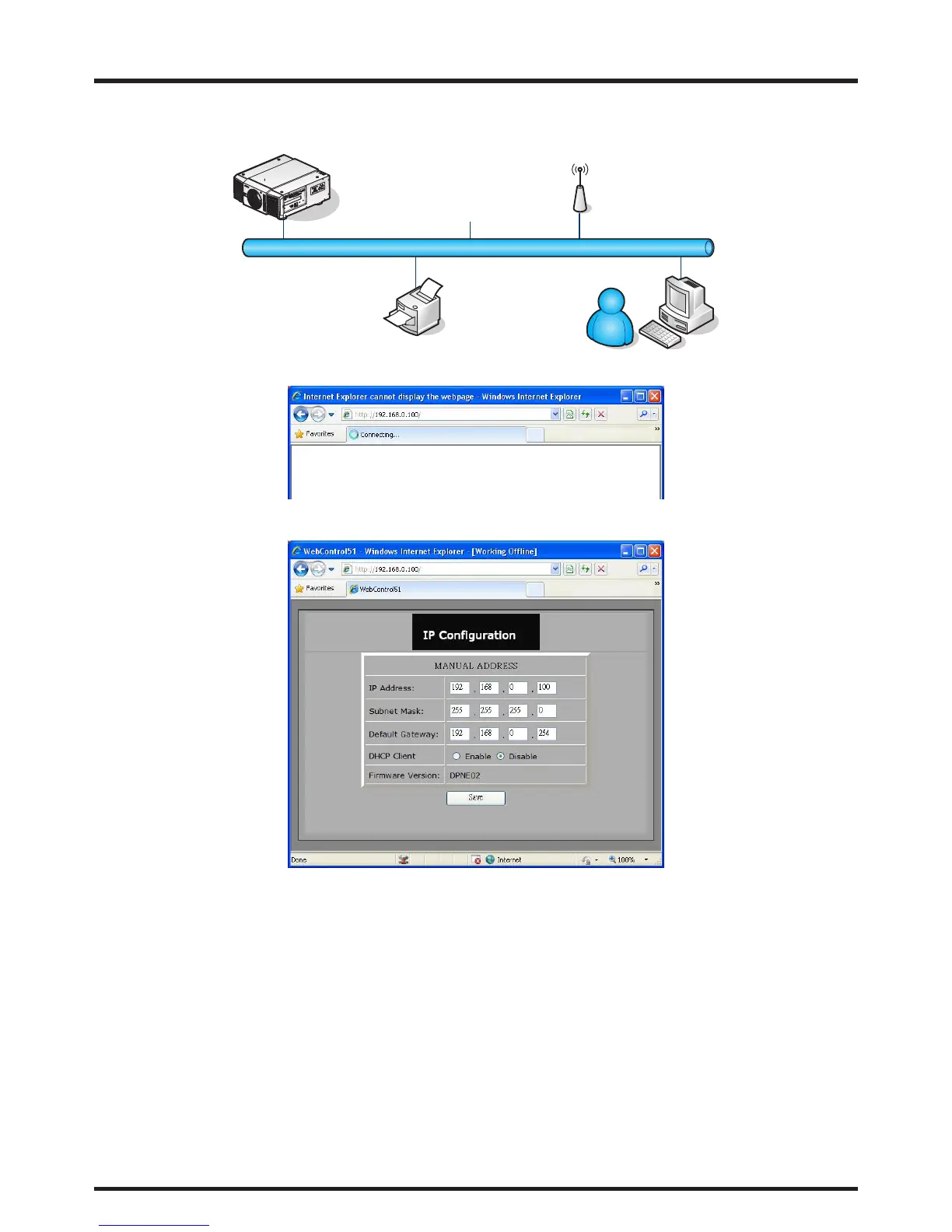
To connect to a network (LAN), refer to the following steps:
1. Connect an RJ45 cable to LAN ports on the projector and a router or hub on the network.
Projector
(Ethernet)
2. On the control PC, open a web browser and enter the IP address of the projector.
The Projector Web Server home page displays. In the example, the projector resides at IP address
192.168.0.100.



 To Next Page