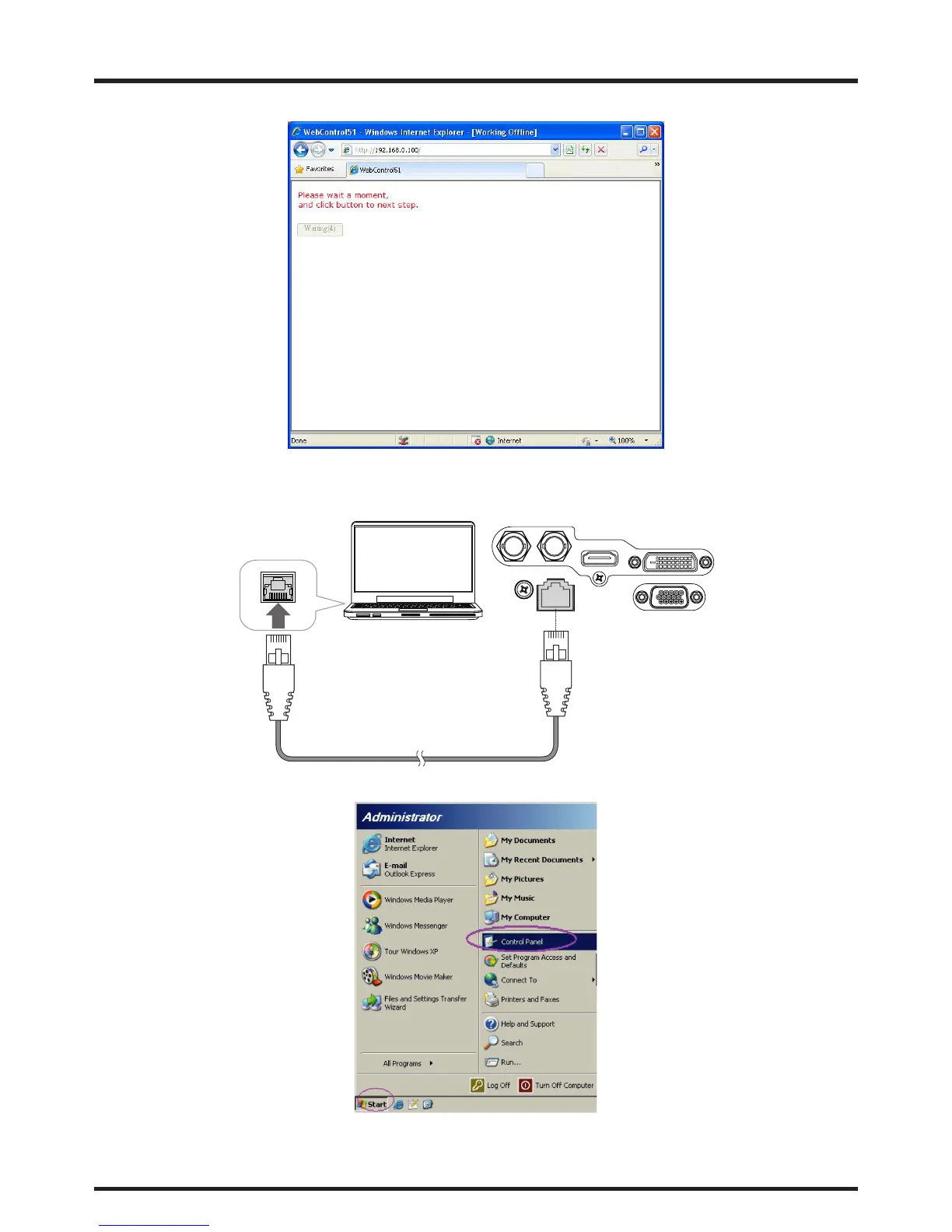
3. Make any desired changes to projector settings, then Click Save.
To connect to a stand alone PC or notebook, refer to the following steps:
1. Connect an RJ45 cable to LAN ports on the projector and the PC (Laptop).
IN SDI OUT
LAN
HDMI
DVI-D
RGB
Desk Top or Notebook
2. On the PC (Laptop), select Start -> Control Panel -> Network Connections.



 To Next Page