63
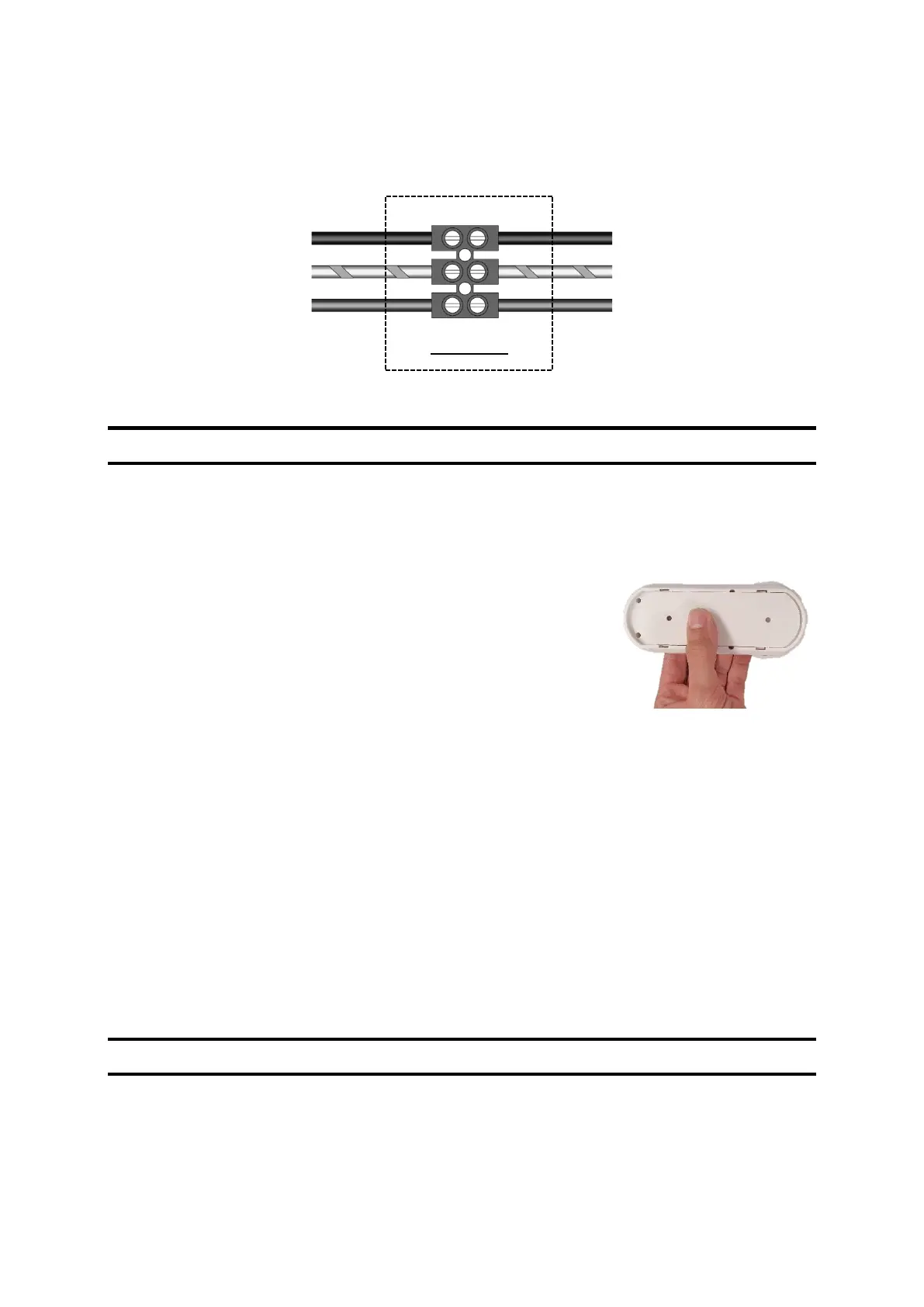
Type of cable: 3 x 1.5 mm² (2-phase + earth conductor)
Network: Single phase, 230 VAC, 50 Hz
D. Installing the control unit
1. Inserting batteries
• Use your thumbs to slide the hatch on the back of the
control unit open.
• Insert the 3 x LR6/AA batteries provided.
• Close the cover by sliding it in the opposite direction.
2. Location of the control unit
• The control unit must be installed at least 1 m and not more than 30 m away from the
VMI
®
unit.
• Some obstacles may reduce the maximum range of the radio communication (walls,
metal objects, floors, etc.).
• The control unit must be secured to a horizontal support surface,
• Preferably close to a heating thermostat if the premises are equipped with one.
• Do not install the control unit close to a hot or cold source.
E. Installing the humidity or indoor air quality sensors (options)
Make sure to refer to the installation instructions provided with the sensor.


 To Next Page