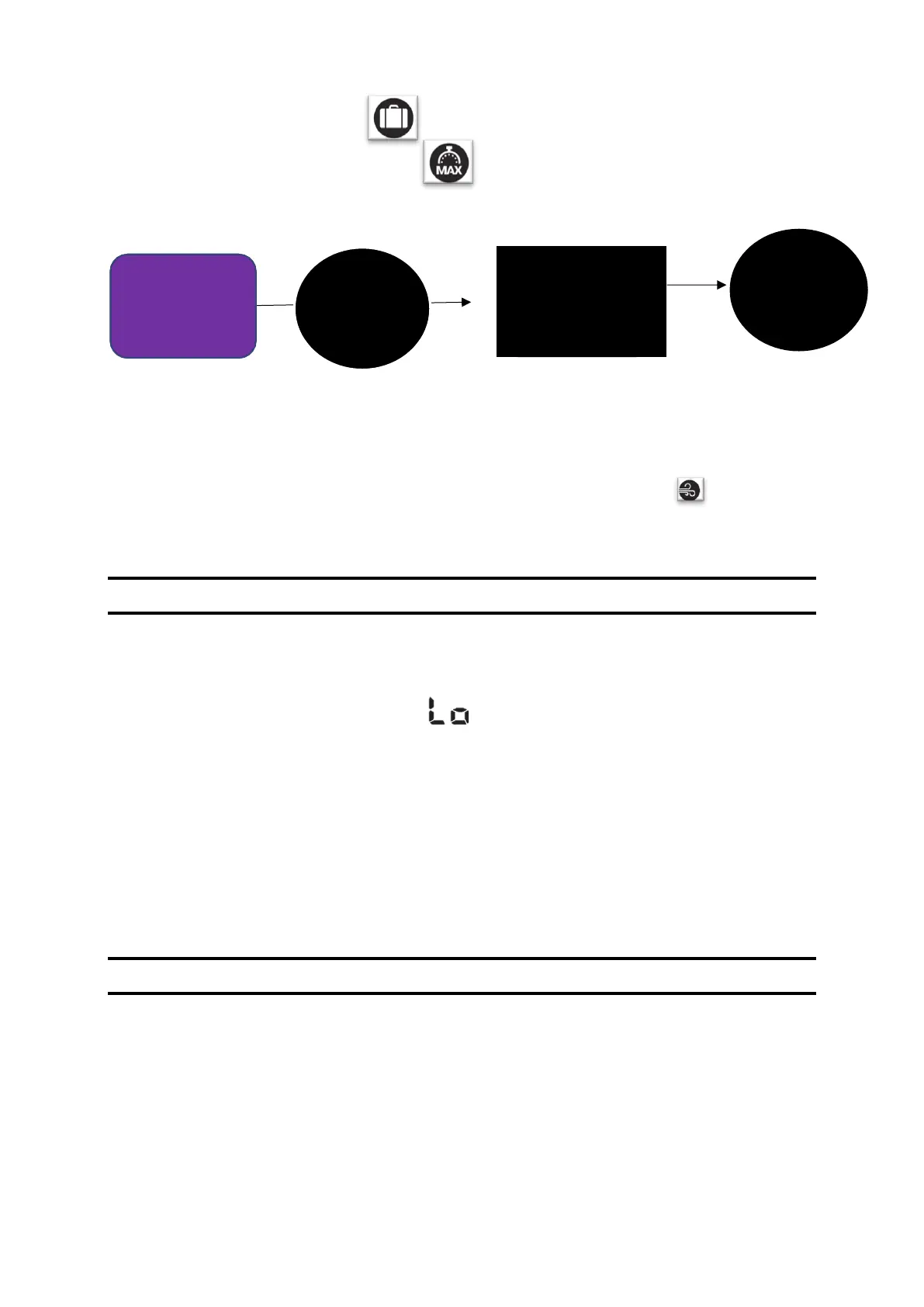
80
o HOLIDAY MODE =
o 30-MIN. BOOST MODE =
• And press the button to confirm.
You can also deactivate the smart VMI system (FIXED AIR FLOW MODE = cancel the control
mode).
Simply press the confirmation button 5 times, once every second. The pictogram will
disappear. To re-enable the smart control unit, press the button 5 times again.
G. Reduced Mode
REDUCED MODE is a safety mode of the VMI
®
CUBE system.
When Reduced mode is enabled, it is shown on the control unit display.
The VMI
®
unit switches into REDUCED MODE if:
• The outside air temperature is far too high to draw outdoor air into the house at normal
speed.
• One or more failures are critical for the machine.
In these cases, the air renewal rate is minimised.
H. Activating/deactivating and defining operating time slots
This function can be accessed via the VMI+ application. This option can modulate the
preheating temperature and the ventilation mode of your VMI
®
unit for specific time slots.
If you wish to use the VMI+ application, open it and pair your VMI
®
CUBE unit with the
application. Refer to the previous paragraph Modify preheating settings with VMI+ and repeat


 To Next Page