2550 Video Phone User Manual IMT
Page - 15 -
2-2 Network Setup (On LCD Screen)
Before you can use 2550 video phone, a valid IP address is required.
Please follow the following instructions to setup IP address:
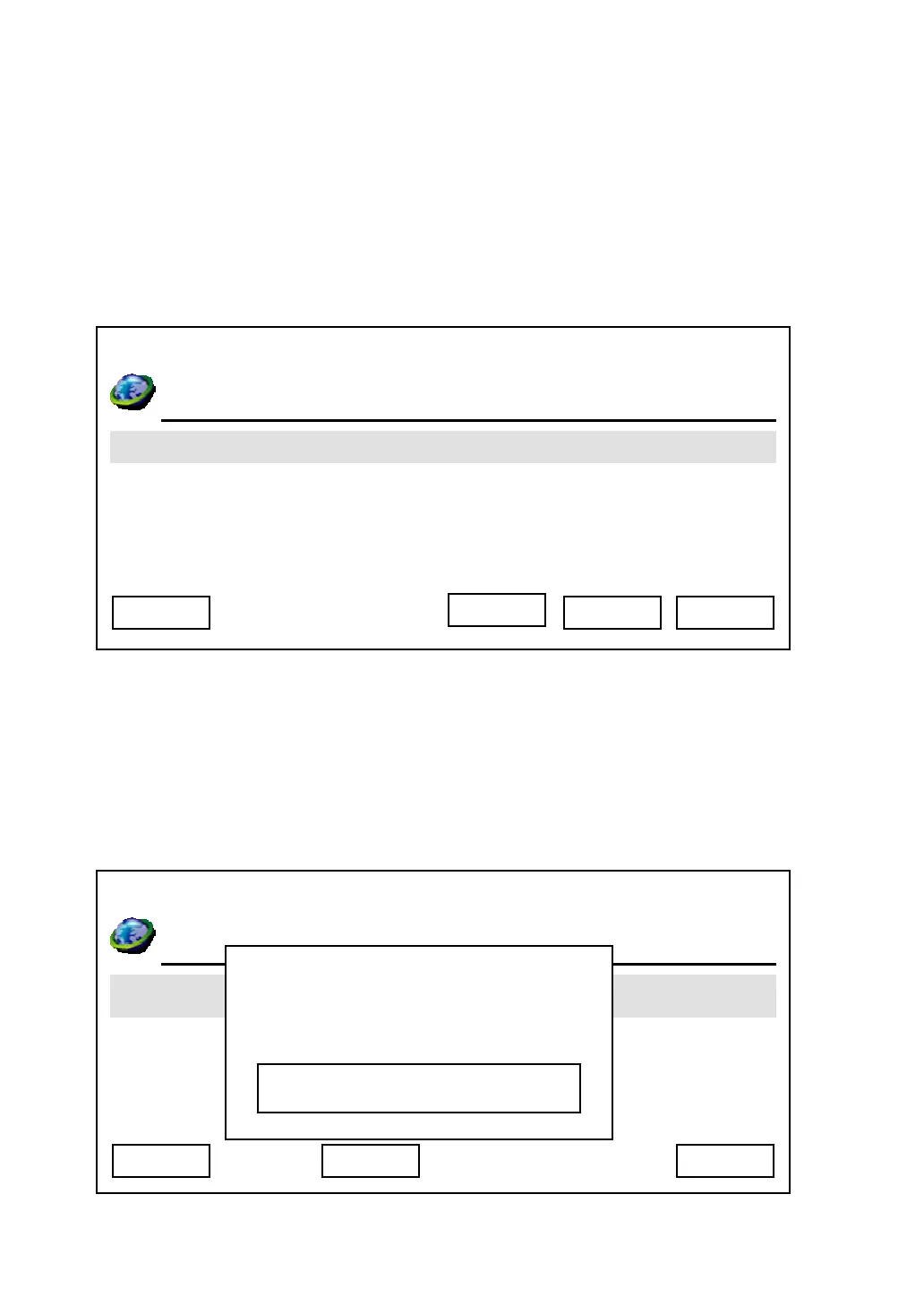
1. Press “Main Menu” key to enter main menu, then use up / down key and OK
key to go “Setting” -> “Device Configurations” -> “LAN Configuration”.
2. Please use up / down key to select the setup item you wish to set, then press
“OK” key. You can press “Next” key to jump to next page for more setup items,
and press “Previous” to back to first page.
Device Name:
03:00 01/01/2007 2550 1101
MAC Address
DHCP
IP Address
DNS Server
Exit Select Back
03:00 01/01/2007 2550 1101
Time Z
Day Light Saving Enabled
Synchronization
Date Format
Cancel Save
Device Name
Delete
2550
Next



 To Next Page