2550 Video Phone User Manual IMT
Page - 31 -
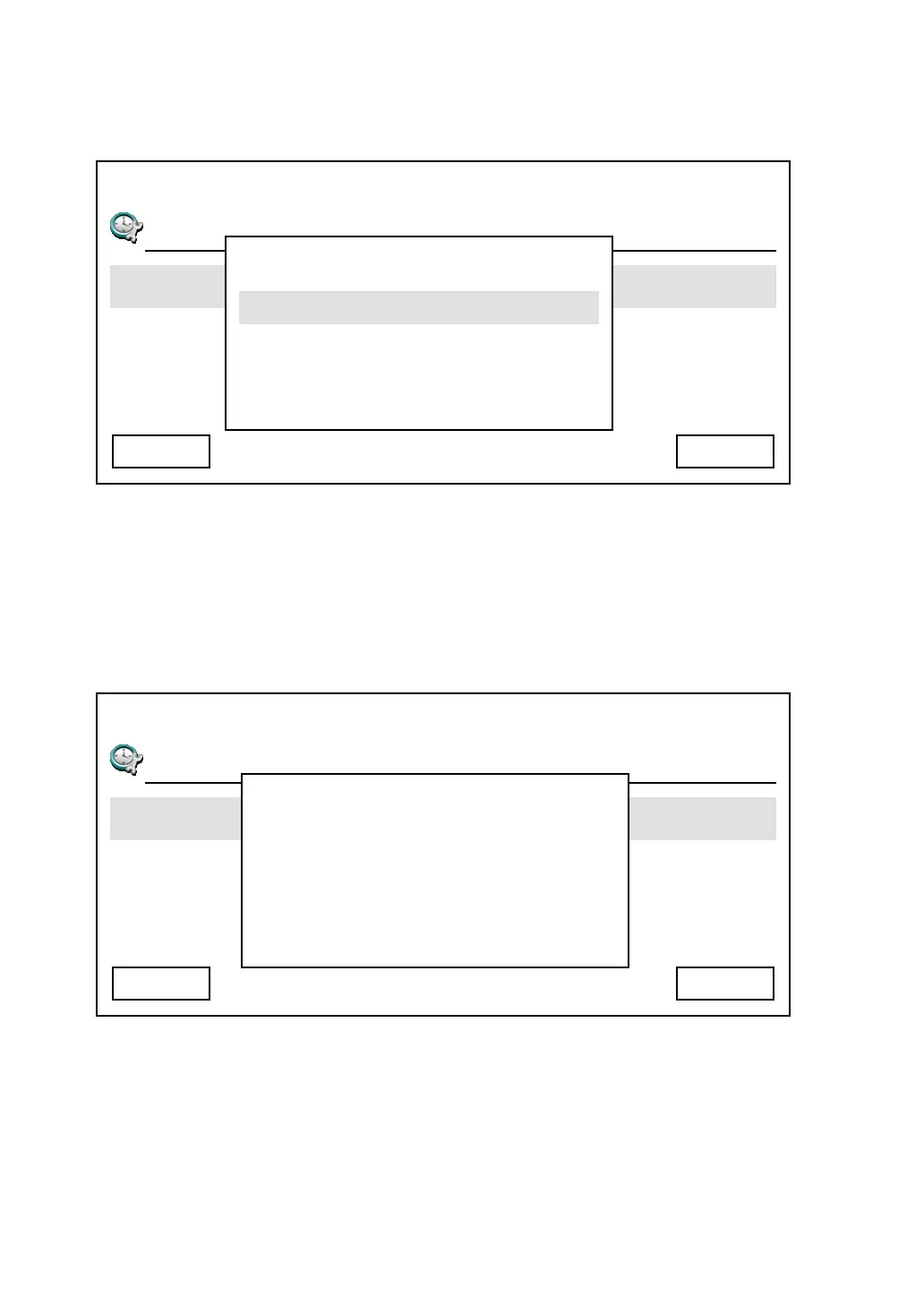
3. You can also activate or deactivate daylight saving. Select “Day Light Saving
Enabled” item and you can enable or disable daylight setting here.
4. This phone will obtain current date and time automatically. However, if you
found the date and / or time is incorrect, you can force the phone to get date
and time from time server again. To do so, simply select “Synchronization”
item, then press “Yes” button.
03:00 01/01/2007 2550 1101
T
Day Light Saving Enabled
Synchronization
Date Format
Cancel
Disable
Select
03:00 01/01/2007 2550 1101
T
Day Light Saving Enabled
Synchronization
Date Format
Cancel Yes
Are You Sure To
Synchronize The
Time With Server
Now?



 To Next Page