2550 Video Phone User Manual IMT
Page - 51 -
3-1 Address Book Management
This phone has an internal address book; you can add all frequently called
phone numbers into address book to save dialing time and help you to
memorize lots of phone number.
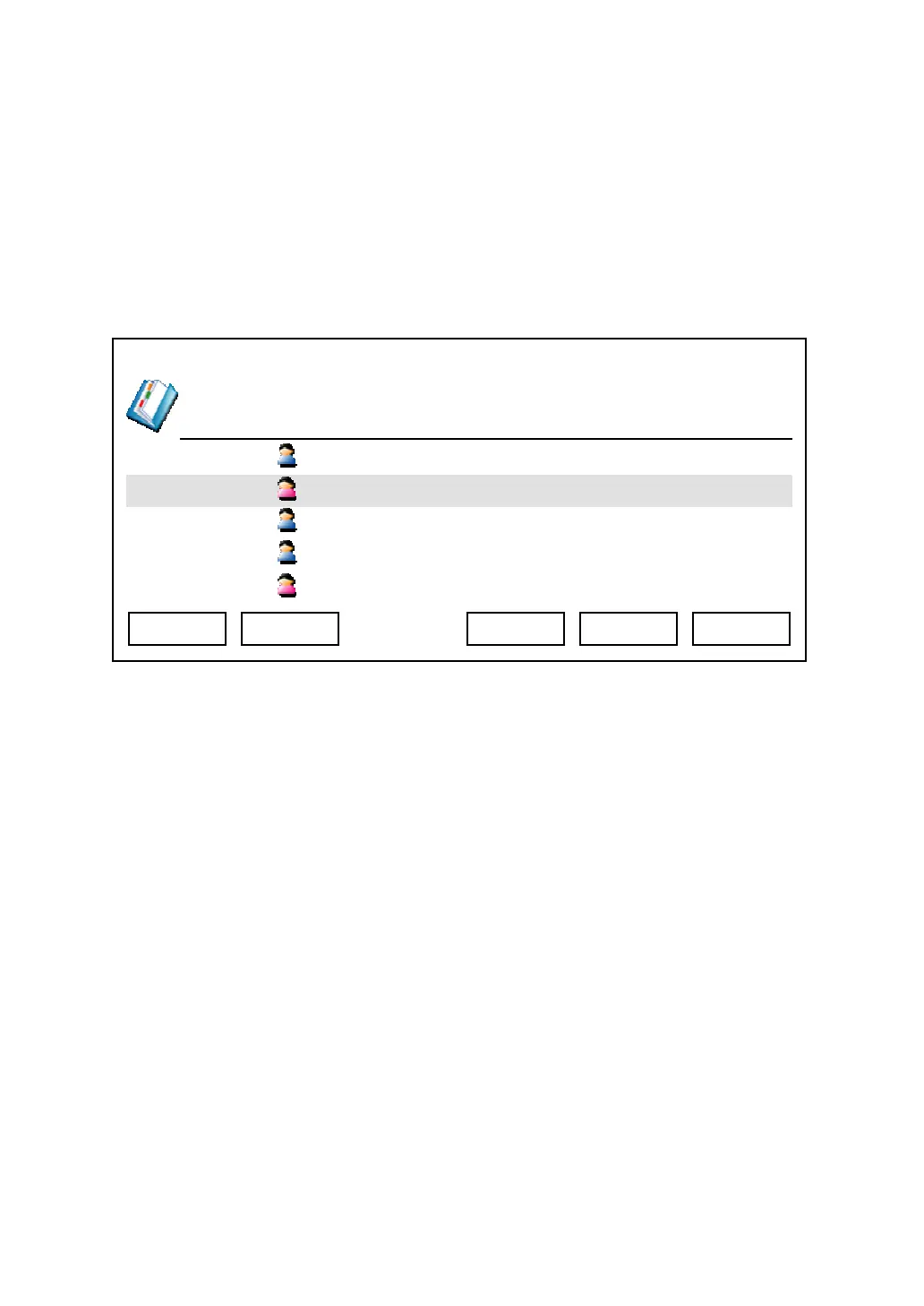
Press “Main Menu” key to enter main menu, then press “OK” key when “Address
Book” is selected.
You can press these keys in address book:
Exit: Leave address book and back to main menu
Dial: Dial selected address book item
Next / Previous: Move to next / previous page
Menu: Add, edit, or delete an address book item (See below)
Go To: Search for a user name
When you press “Menu” key, you’ll be prompted to select add, edit, or delete:
03:00 01/01/2007 2550 1101
Albert
Linda
Jackie 1103
Bart 1104
Mary 1105
Exit Go To Dial Menu Next



 To Next Page