2550 Video Phone User Manual IMT
Page - 35 -
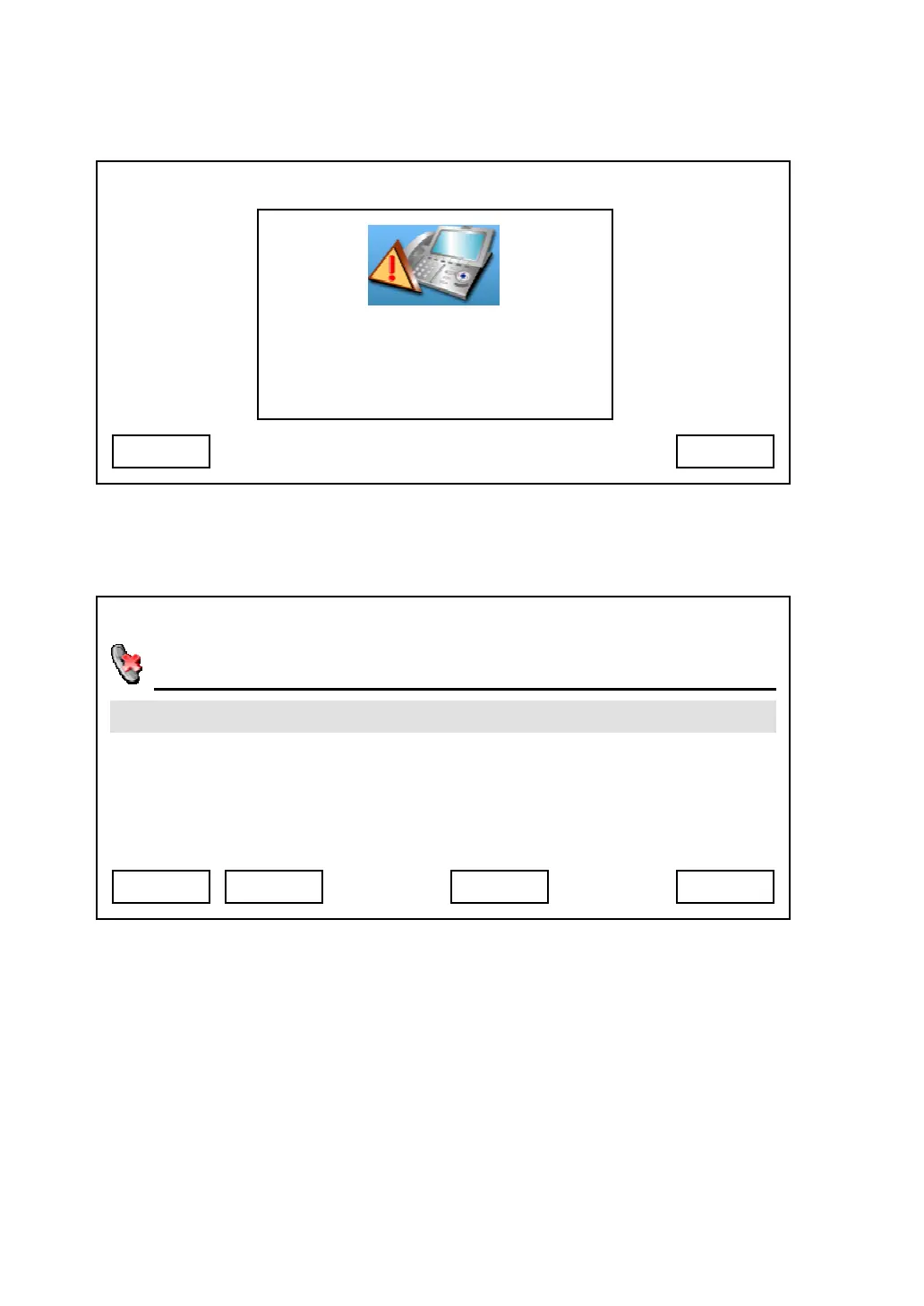
You can press “Exit” to remove the message from LCD display, or press “View”
to see detailed information about missed calls:
You can use following keys to view missed call records:
Up / Down key: Select record.
Exit: Quit missed call record and back to “Call Records” menu.
Dial: Dial selected phone number.
Next / Previous: Move to next or previous page of missed call record
Detail: View detailed information about selected call. If you pressed “Detail” key
in missed call menu, you will see following information displayed on LCD
03:00 01/01/2007 2550 1101
Exit
Missed Calls
You have 1 missed calls
View
03:00 01/01/2007 2550 1101
Albert H.
Unknown 1103
Exit Detail Dial Next



 To Next Page