2550 Video Phone User Manual IMT
Page - 63 -
3-8 Video Privacy
If you don’t want to be seen by your remote party accidentally, you can do this by
disabling built-in camera:
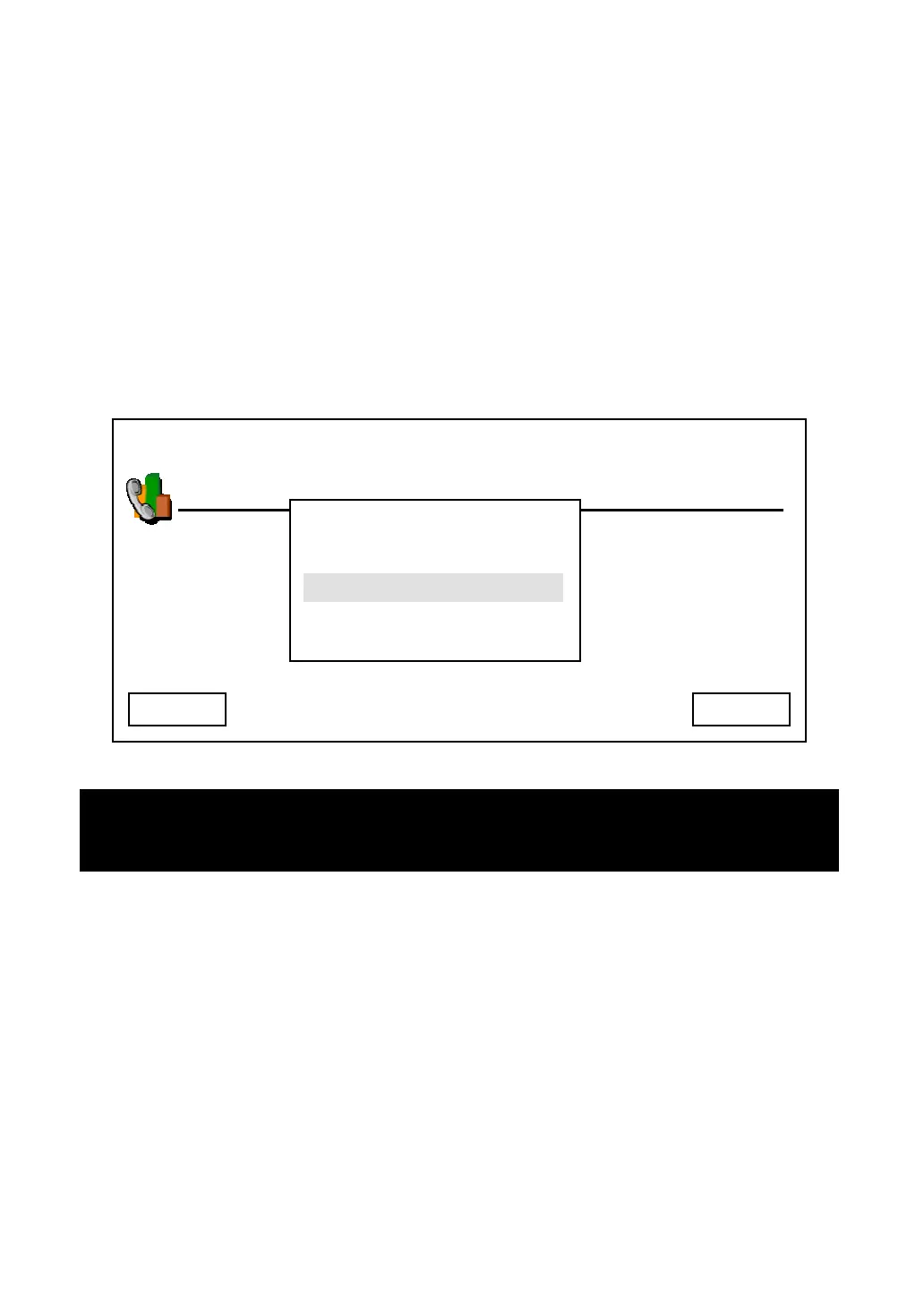
Press “Main Menu” key to enter main menu, then use up / down key and OK key
to go “Setting” -> “Phone Settings” -> “Video Privacy”, you’ll be prompted to
select “Enable” or “Disable” camera. Press up / down key to make choice and
press “Select” to save change, or press “Cancel” to abort and back to previous
menu. Please note that the phone will reboot if the setting is changed.
03:00 01/01/2007 2550 1101
Phone Settings
Cancel Select
Enable
Disable
Hint: If you just want to disable camera for a while
, you can move the camera lid
to left position.



 To Next Page