2550 Video Phone User Manual IMT
Page - 71 -
3-10 Shutdown
This phone operates like an ordinary computer and it will need to save
information during operation. A proper shutdown procedure is required to keep
this phone working properly.
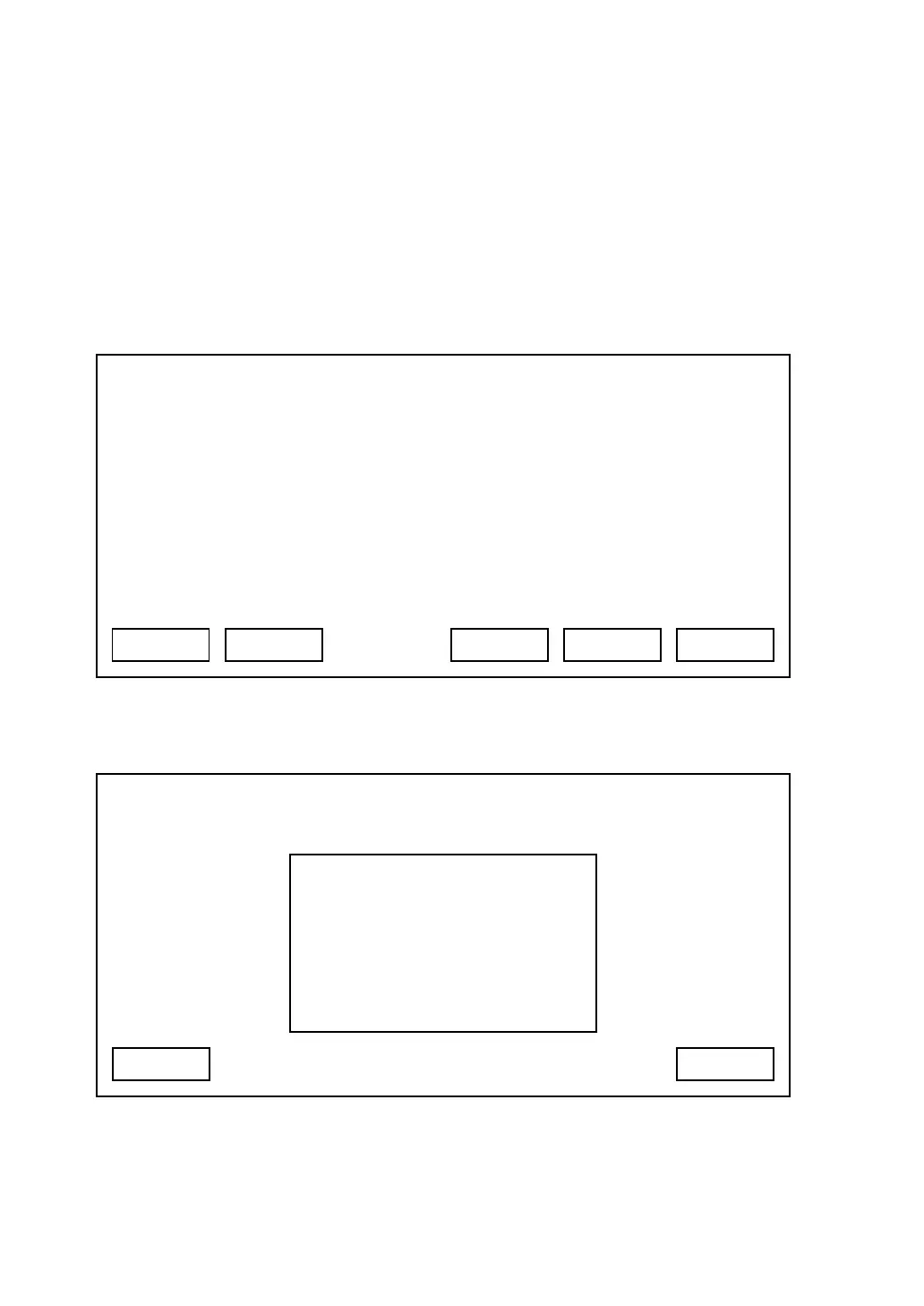
When you need to remove the power from the phone, please press ‘Shutdown’
key in main menu:
You’ll be prompted to confirm shutdown:
Press ‘Yes’ to start shutdown procedure, or press ‘Cancel’ to abort.
03:00 01/01/2007 2550 1101
Shutdown
SNDT Redial Recent Main Menu
03:00 01/01/2007 2550 1101
Cancel
System Shut Down?
Yes



 To Next Page