2550 Video Phone User Manual IMT
Page - 54 -
3-2 View Call Records
This phone can keep the record of calls. To view these records, follow the
following instructions:
Press “Main Menu” key to enter main menu, then use up / down key and OK key
to go “Setting” -> “Call Records”. There are 3 types of call record:
a. Received calls: The record of all incoming phone calls
b. Dialed calls: The record of all outgoing phone calls
c. Missed calls: The record of all missed calls
Please use up / down key to select the type of call record you wish to view, and
press “OK” key.
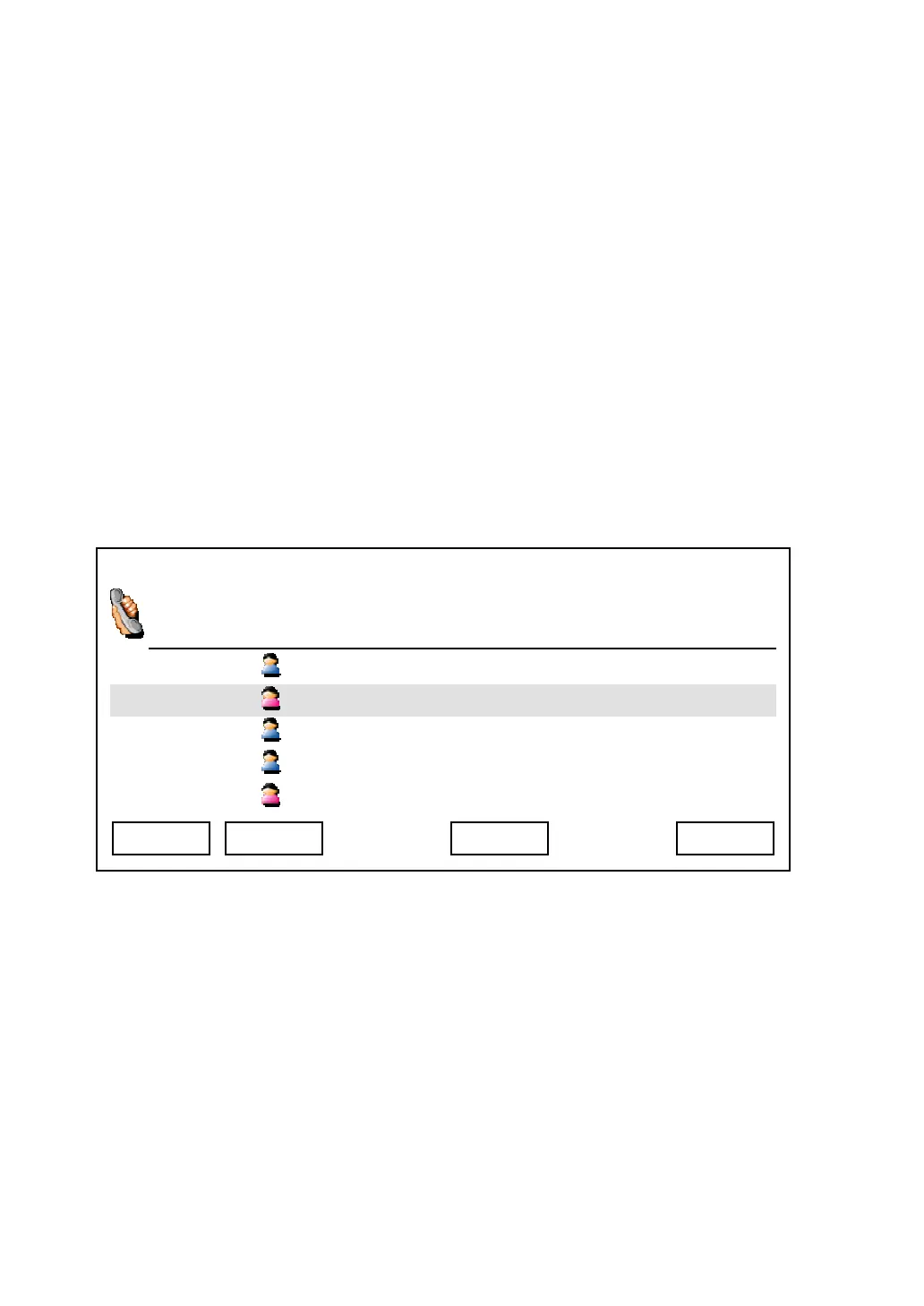
And you can use these keys in call record:
Exit: Leave call record and back to previous menu
Dial: Dial selected call record
Next / Previous: Jump to next / previous page
Detail: View the detailed information about selected call record, including date
and time called and duration
03:00 01/01/2007 2550 1101
Albert
Linda
Jackie 1103
Bart 1104
Mary 1105
Exit Detail Dial Next



 To Next Page