2550 Video Phone User Manual IMT
Page - 48 -
2-12 Adjust Handset / Headset / Speakerphone Volume
If you think the volume of handset, headset, or speakerphone is too high or too
low, you can adjust its volume setting.
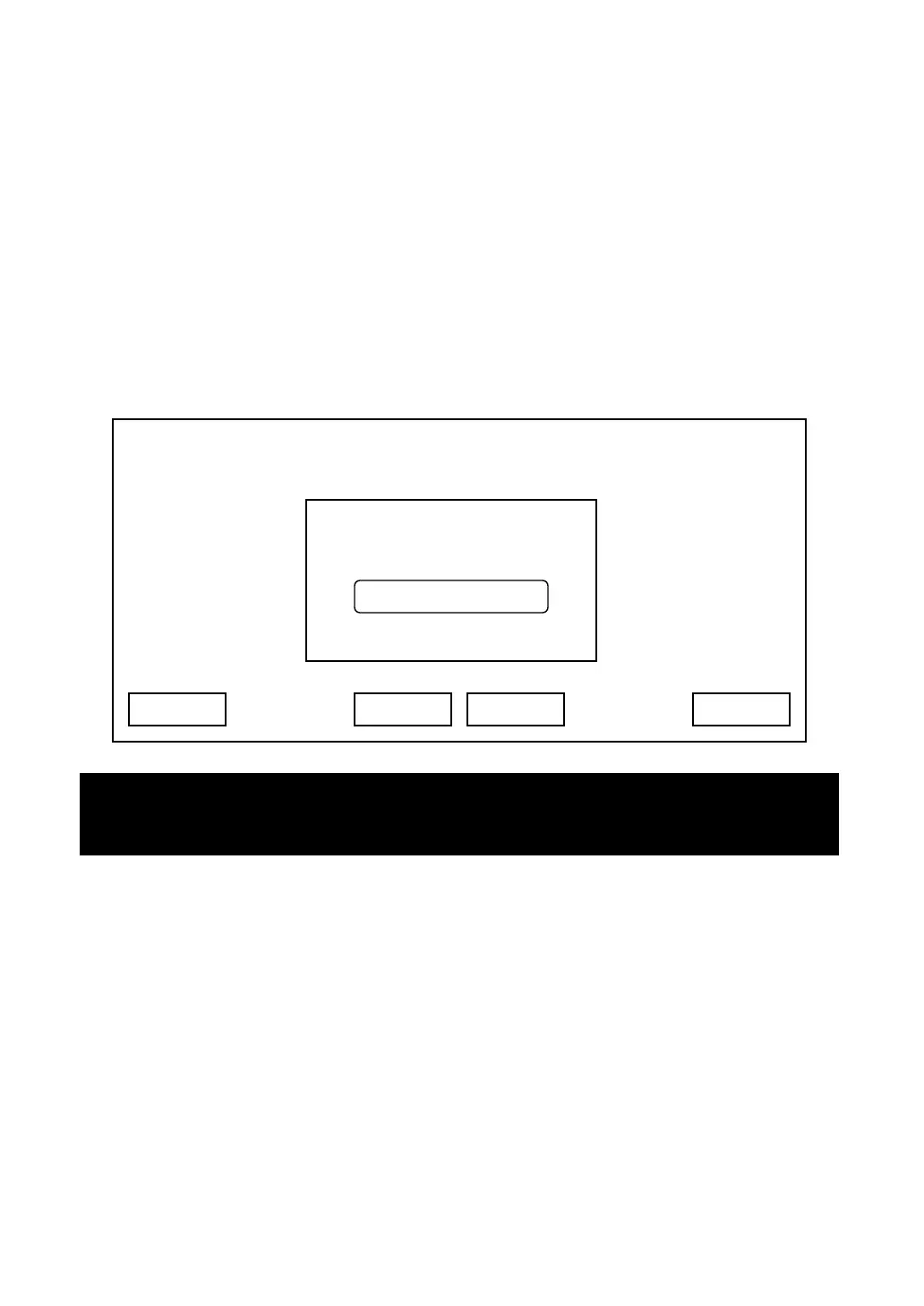
Please lift handset, or press headset / speaker key, and the press “Volume Up”
or “Volume Down” key. You’ll see the following message displayed on LCD
display. Please press volume up / down key to adjust volume, and press “OK”
key to accept new volume setting, or press “Cancel” to keep volume setting
untouched.
You can also change volume setting in audio preferences menu:
Press “Main Menu” key to enter main menu, then use up / down key and OK key
to go “Setting” -> “Initial Setup” -> “Audio Preference”.
03:00 01/01/2007 2550 1101
Call Waiting
Cancel
Headset Volume
0
- + OK
Hint: You can also adjust volume of handset, headset, or speakerphone during a
call.



 To Next Page