2550 Video Phone User Manual IMT
Page - 62 -
3-7 View System Status
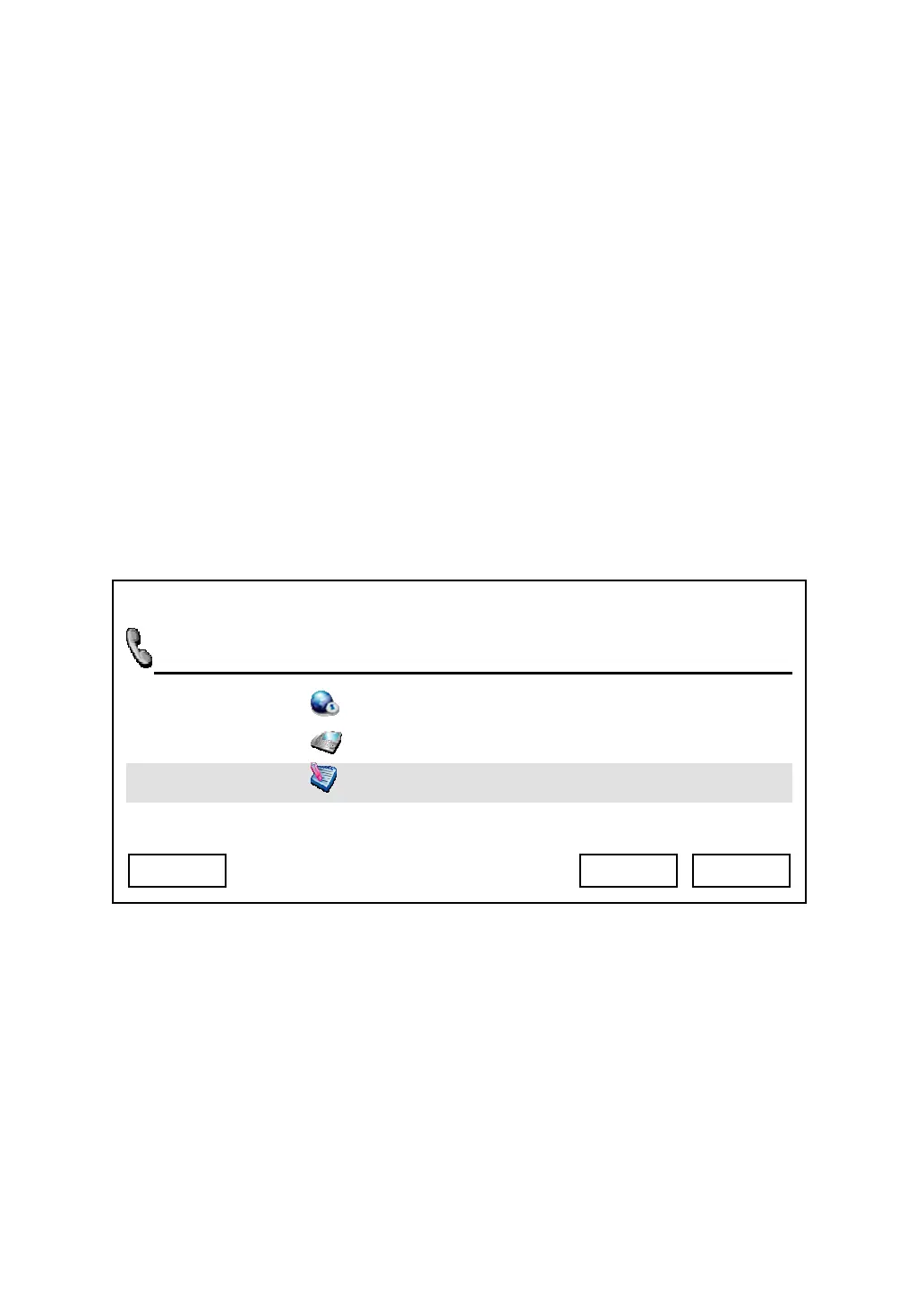
You can check various status of this phone by accessing “System Status” menu:
Press “Main Menu” key to enter main menu, then use up / down key and OK key
to go “Setting” -> “System Status”, then you’ll see 3 status items:
a. Web Access Enabled: You can check the status of internal web service,
and you can also enable / disable web access by pressing up / down key,
and press “Select” to save change, or press “Cancel” to abort and back
to previous menu
b. Model Information: The model number of this phone will be displayed,
press “Cancel” or “OK” key to back to previous menu.
c. Model Version: The version number of internal firmware will be
displayed, press “Cancel” or “OK” key to back to previous menu.
03:00 01/01/2007 2550 1101
Web Access Enabled
Model Information
Firmware Ve
Exit Select Back



 To Next Page