2550 Video Phone User Manual IMT
Page - 11 -
2-1 Basic Operating Instructions
Using Soft Keys
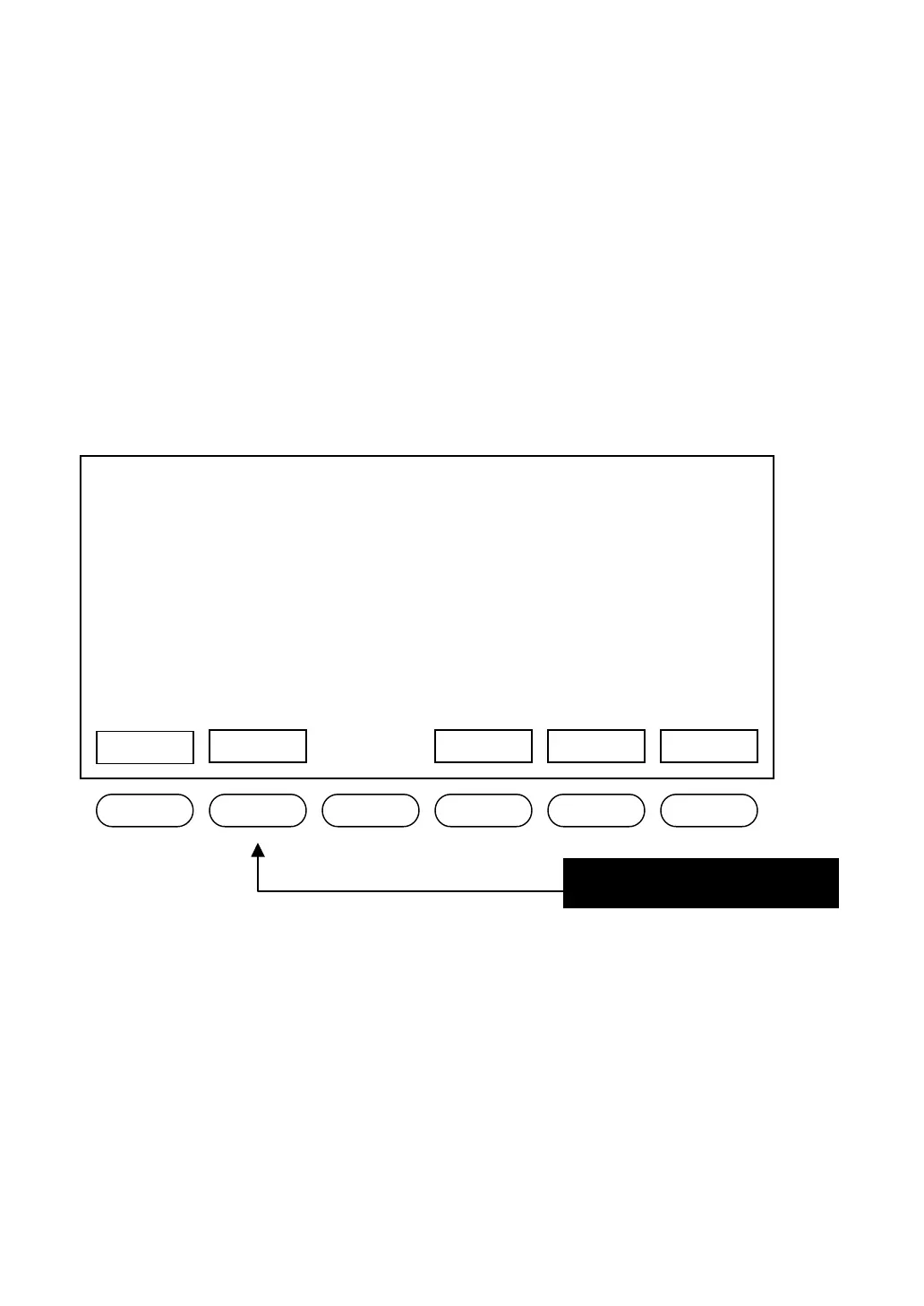
There are 11 soft keys on this IP phone (Soft Keys 1 to 6, and A to E). Unlike
other keys, the function of soft key is not always the same. It will change in
different menu. The function of soft key in every menu will be displayed on the
corresponding area of LCD display.
For example, there are 5 soft keys available on main menu:
If you want to execute “Redial” function, just press the second soft key from the
left. There are also 5 soft keys located on the right side of LCD display; you can
use them just like the soft keys below the LCD display.
03:00 01/01/2007 2550 1101
Recent Redial Main Menu
ress this key for “Redial”!
Shutdown
SNDT



 To Next Page