2550 Video Phone User Manual IMT
Page - 10 -
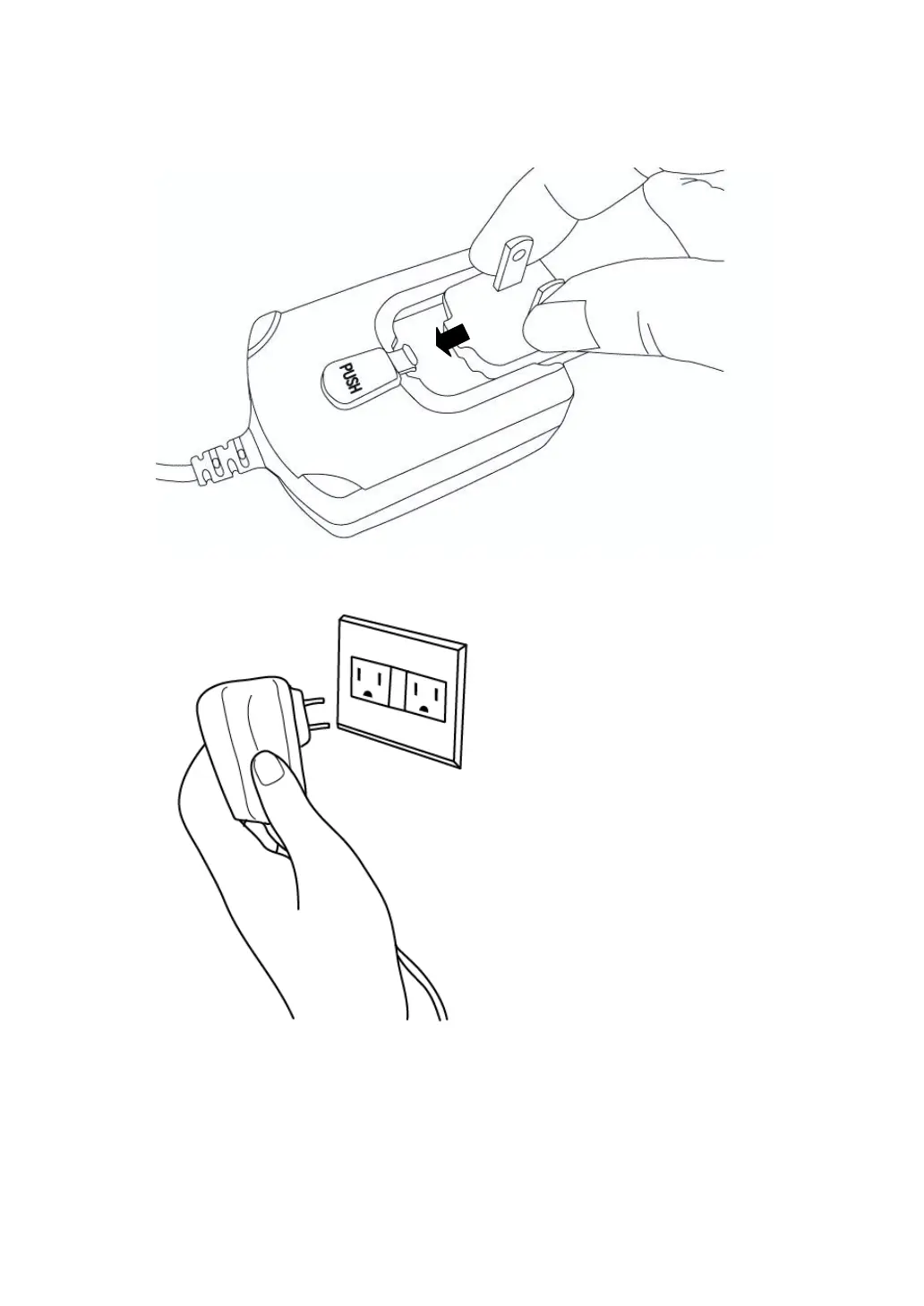
(8) Insert the power jack adapter to the power adapter, as shown on the
picture.
(9) Insert the A/C adapter to the power outlet socket on the wall.
(10) Please check the LCD display of this IP phone, there should be
something displayed on the LCD in 1 or 2 minutes.
If not, please re-check all procedures listed in this section, or contact
your dealer of purchase for help.



 To Next Page