2550 Video Phone User Manual IMT
Page - 64 -
3-9 Using Web Browser
This phone provides a simple web browser; you can use it to get many kinds of
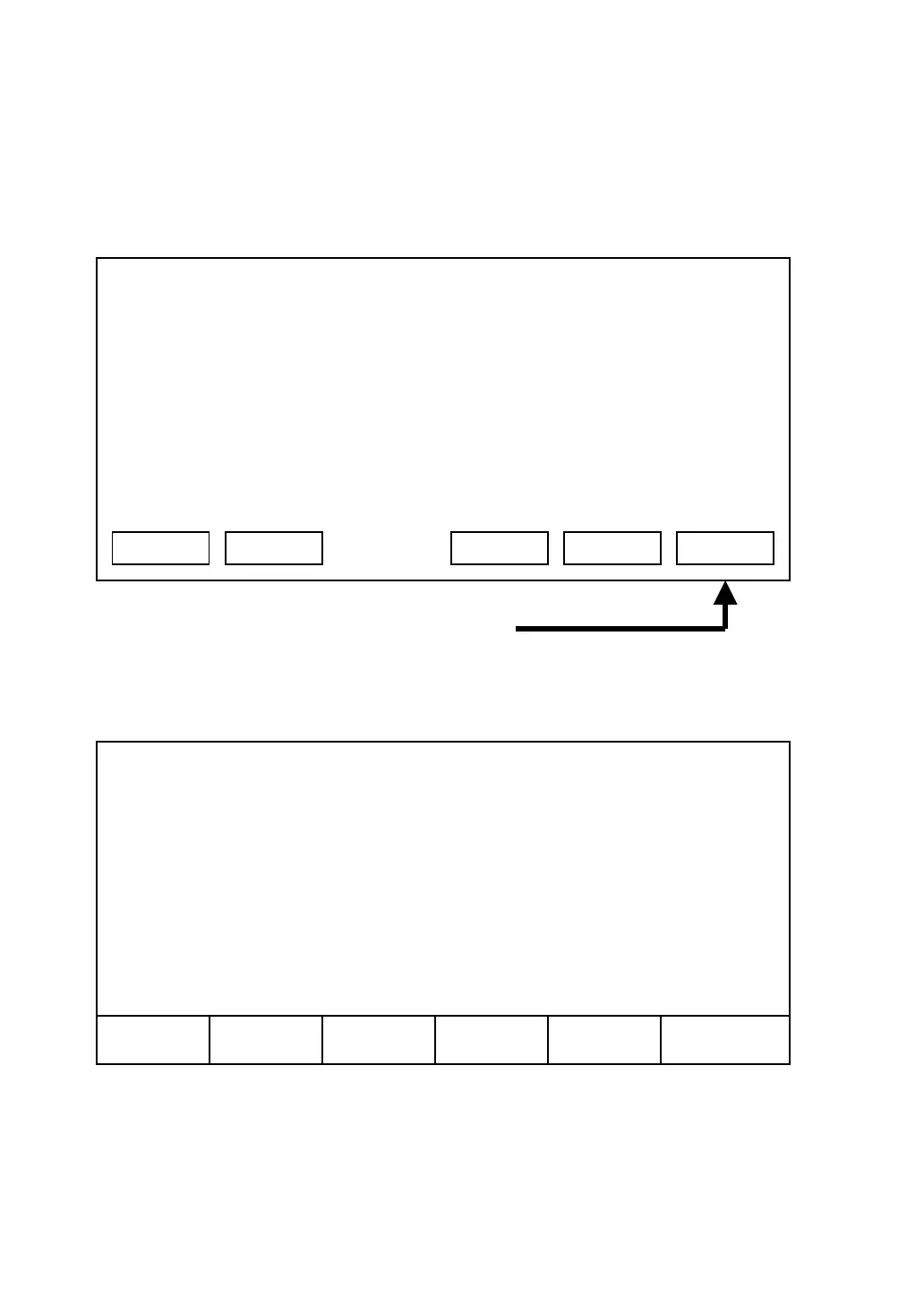
information from internet. Please click ‘SNDT’ key in this phone’s main menu,
and connect to our webpage:
The location of SNDT key
After web browser has been started, the following menu will be shown:
03:00 01/01/2007 2550 1101
Shutdown
SNDT Redial Recent Main Menu
Back
Forward
Stop
Home
Refresh
Quit



 To Next Page