2550 Video Phone User Manual IMT
Page - 36 -
display:
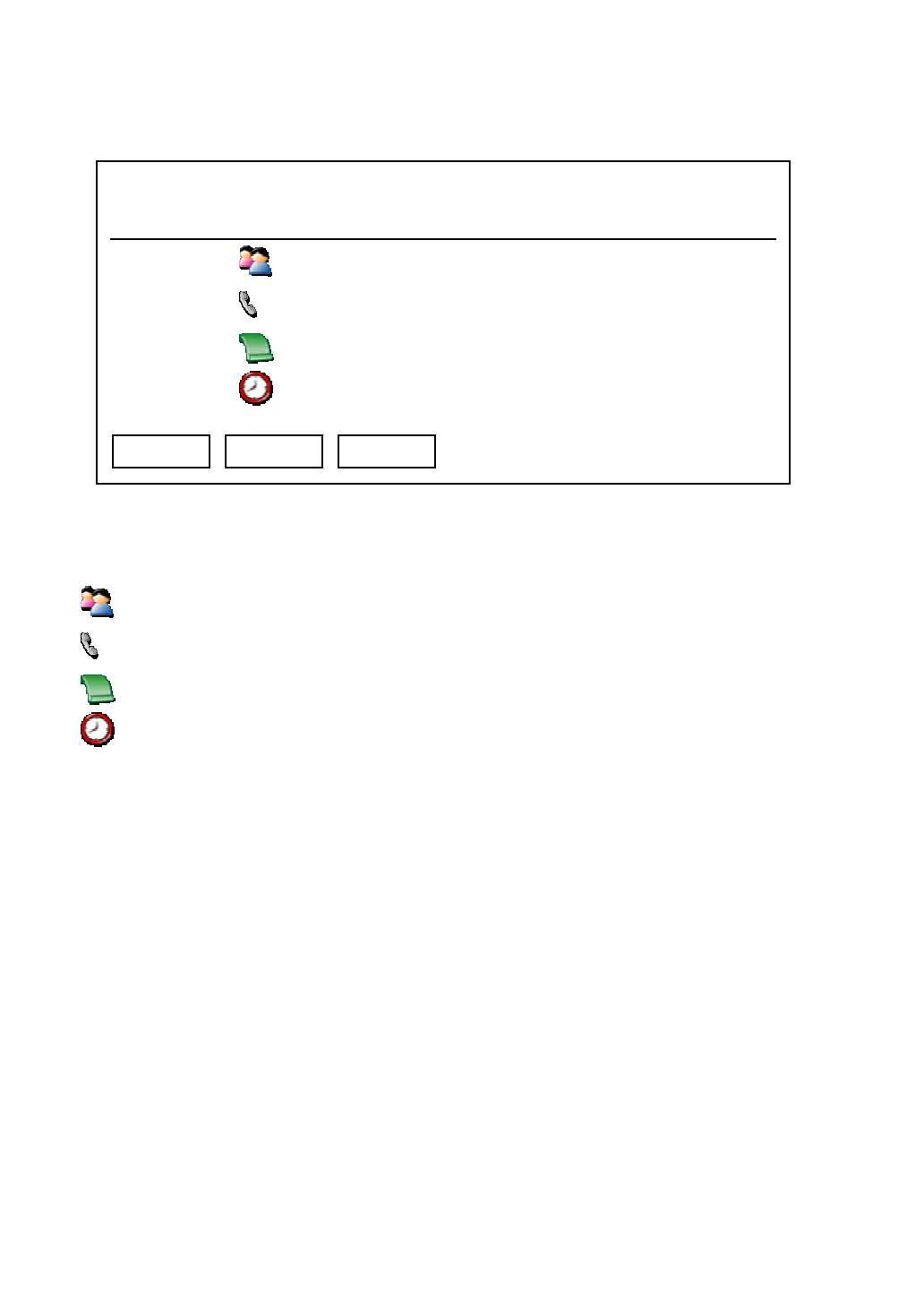
There are four items in this menu, they are:
: Name of remote party
: Phone number of remote party
: Time and date called
: Duration of call
And you can use these keys in this menu:
Exit: Back to previous menu
Dial: Dial the number of remote party
Delete: Delete this call record. When you press this key, a message window will
appear on LCD display and ask for confirmation. You can press “Yes” key to
confirm, or press “Cancel” key to abort.
03:00 01/01/2007 2550 1101
Albert H.
1102
00:42:40 01/01/2007
00:00:00
Exit Dial Delete



 To Next Page