2550 Video Phone User Manual IMT
Page - 47 -
2-11 Call Waiting
When the phone is in use, this phone allows another incoming call to interrupt
the progressing call, and you can decide you want to accept new call or not. You
can also decide to use this function or not.
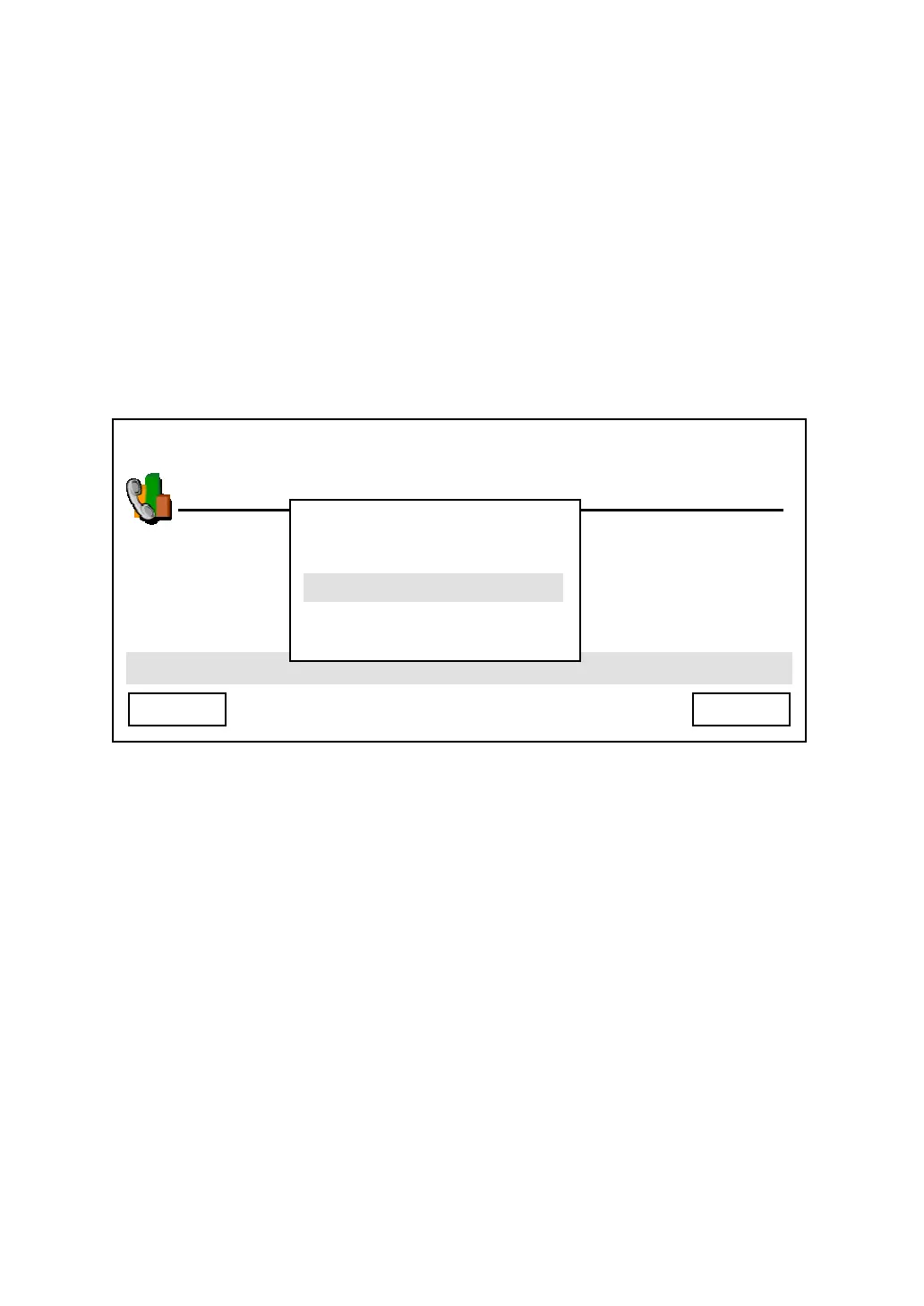
Press “Main Menu” key to enter main menu, then use up / down key and OK key
to go “Setting” -> “Phone Settings” -> “Call Waiting”, you’ll be prompted to select
“Enable” or “Disable” call waiting. Press up / down key to make choice and press
“Select” to save change, or press “Cancel” to abort and back to previous menu.
03:00 01/01/2007 2550 1101
Phone Settings
Cancel Select
Enable
Disable



 To Next Page