2550 Video Phone User Manual IMT
Page - 30 -
2-6 Date / Time Setup
Time and date will be displayed on the upper-left corner of LCD display, and it
will be synchronized with SIP server automatically, so you don’t need to input
current date and time by yourself. However, there are several options available.
Please follow the following instructions to change these options:
1. Press “Main Menu” key to enter main menu, then use up / down key and OK
key to go “Setting” -> “Initial Setup” -> “Time Settings”.
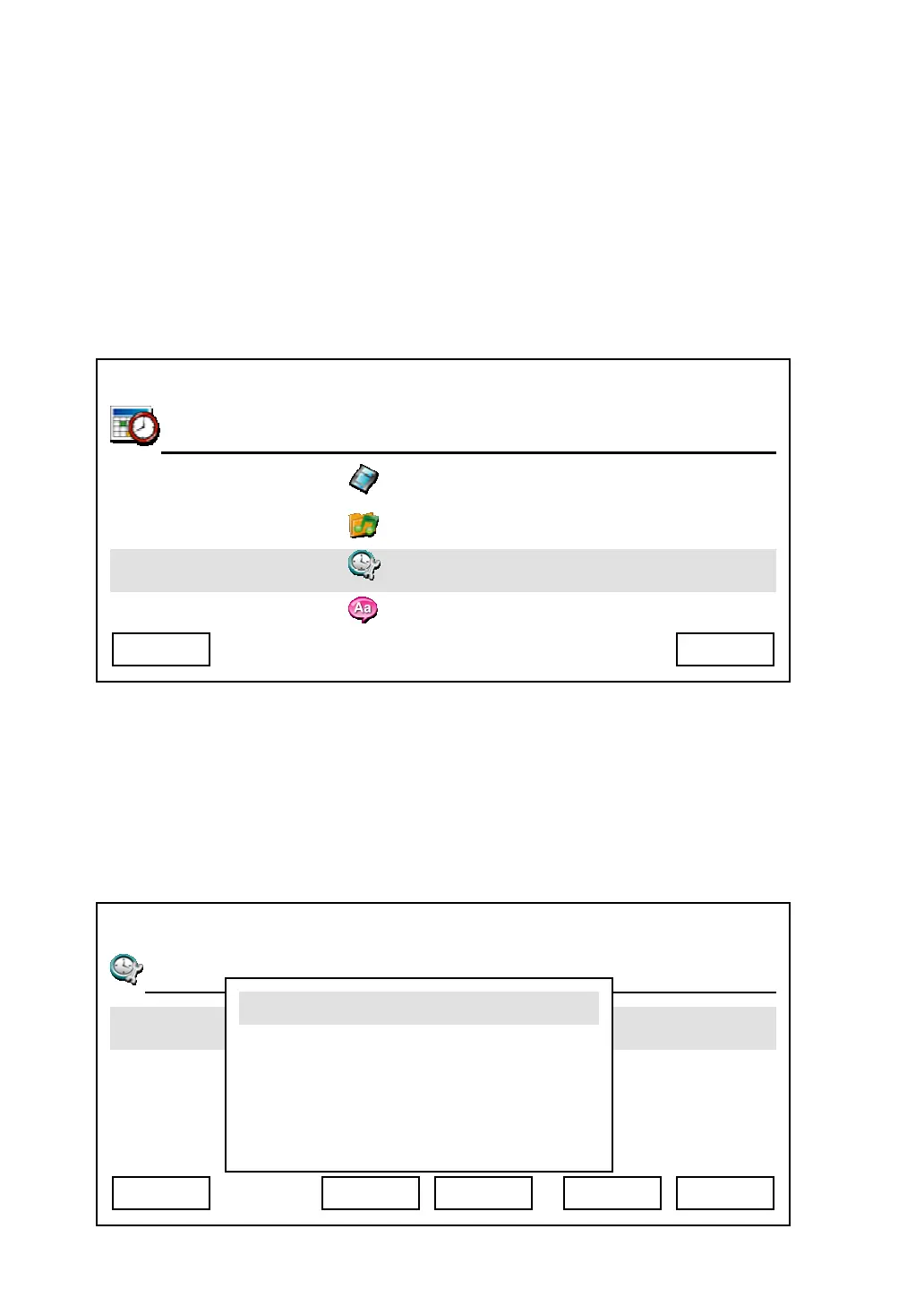
2. There are four options here, as shown on LCD display. You can change time
zone setting in “Time Zone Setting”. Each page has 4 time zones; you can
press “Up” and “Down” key to select time zone, and if the time zone is not
displayed, press :”Previous” and “Next” key to switch to previous or next
page, then press “OK” or “Select” key to save setting, to abort, press
“Cancel” key.
03:00 01/01/2007 2550 1101
Audio Preference
Language Settings
Exit Main Menu
03:00 01/01/2007 2550 1101
T
Day Light Saving Enabled
Synchronization
Date Format
Cancel Select
GMT +9
GMT +10
GMT +11
Previous
Next Back



 To Next Page