2550 Video Phone User Manual IMT
Page - 26 -
2-4 VoIP Setup (On LCD Display)
VoIP server plays an important role in VoIP environment, it helps all IP phones to
communicate with each other. VoIP server settings should be provided by
service provider, please obtain them from your VoIP service provider first.
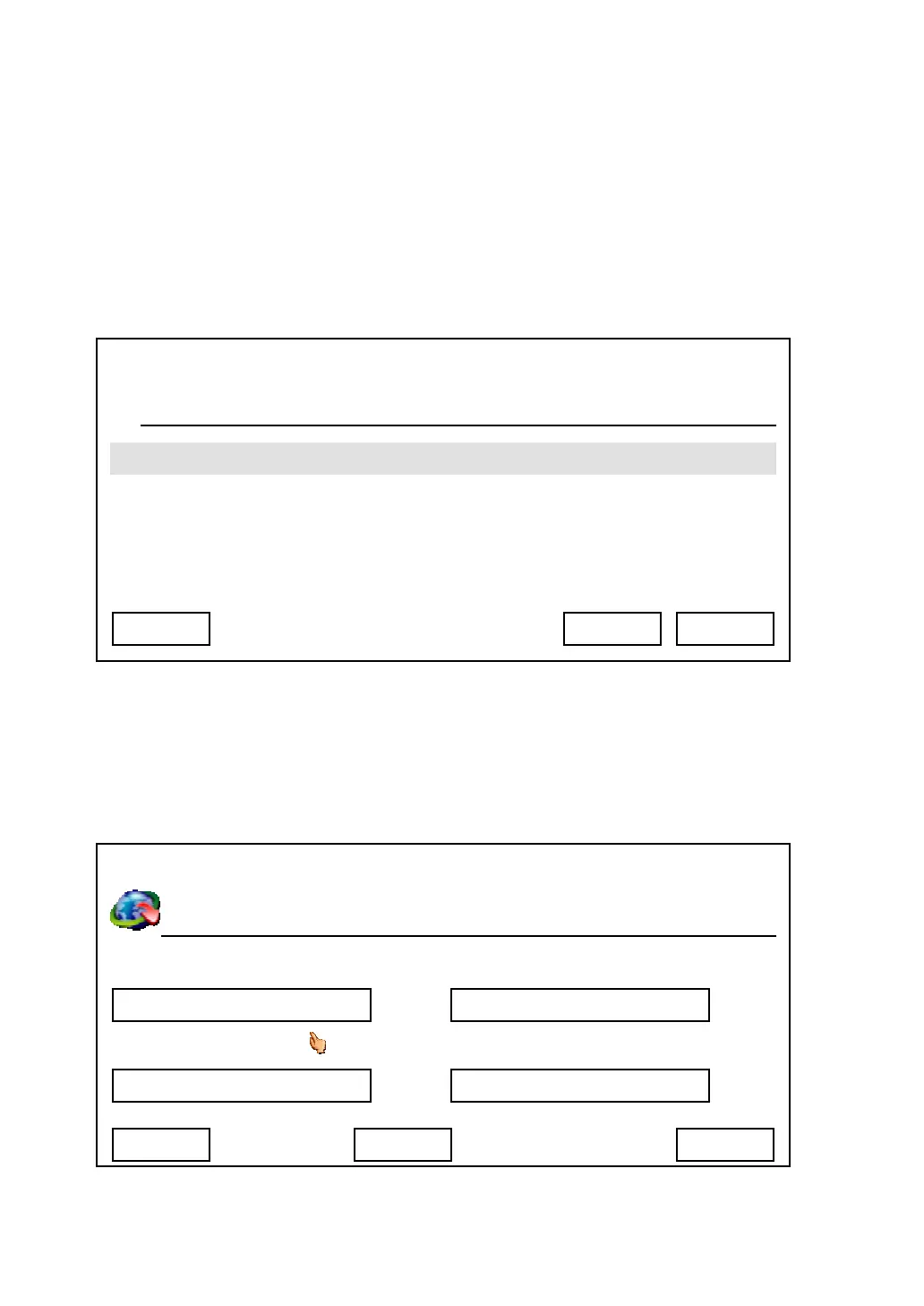
1. Press “Main Menu” key to enter main menu, then use up / down key and OK
key to go “Setting” -> “Device Configurations” -> “SIP Configurations”.
2. Please use up, down, left, and right key to move cursor to the setup item you
wish to set, then input value by numeric keypad. You can press ‘Delete’ key
to erase existed characters. After all required values are entered, please
press ‘Save’ key to save change.
03:00 01/01/2007 2550 1101
SIP Proxy Server
Exit Select Back
03:00 01/01/2007 2550 1101
Phone Number Authentication User
SIP Register Server Password
ms
1101
192.168.1.2
Exit Delete Save
1101
****



 To Next Page