2550 Video Phone User Manual IMT
Page - 25 -
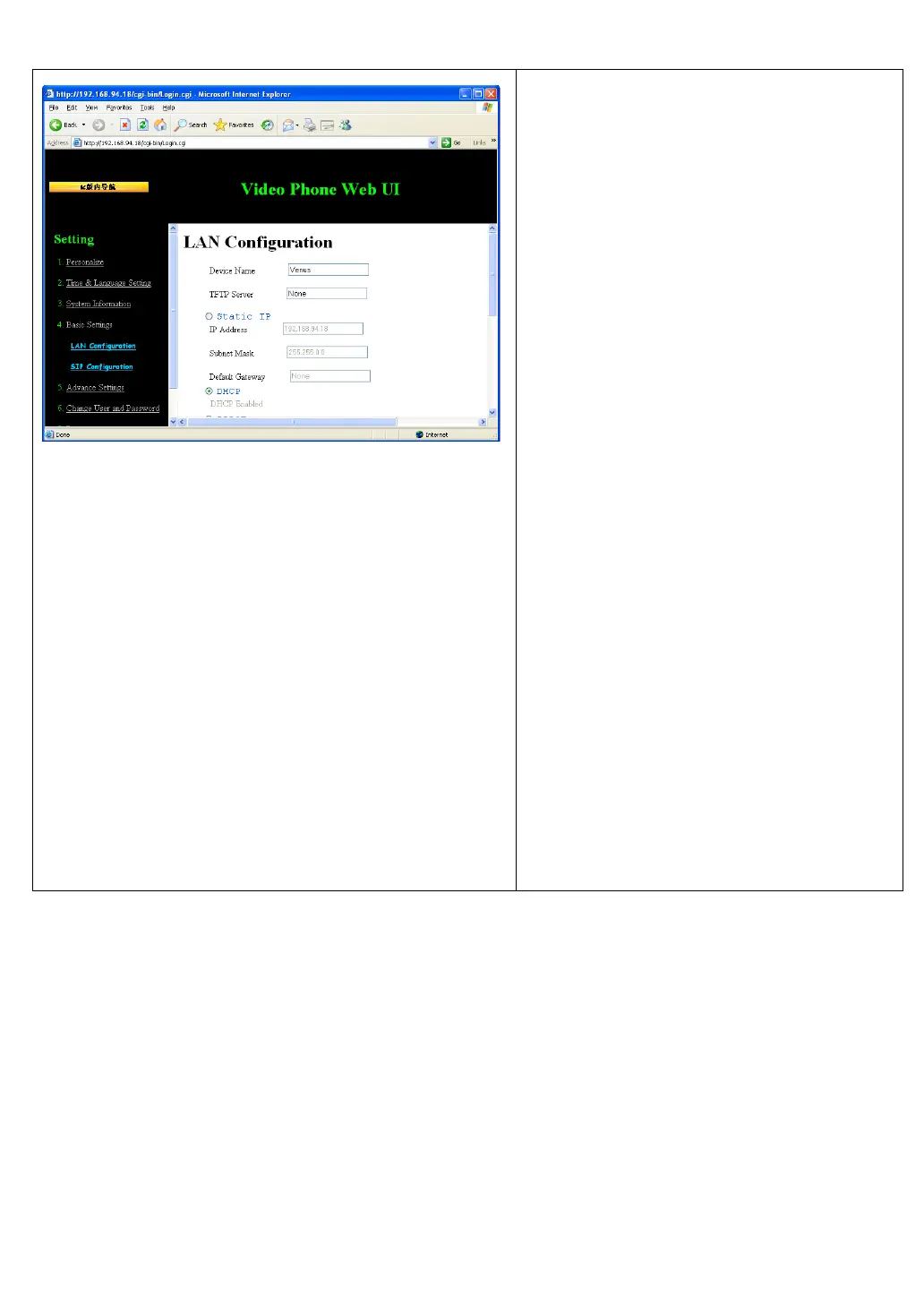
Please input the following information,
and click “Apply’ button on the bottom
of page to save changes:
Device name: name of this IP
phone, like “2550” or any word you
like.
TFTP Server: Input the address of
TFTP server here. If you don’t have
one, just left it blank.
Static IP: Use static IP mode.
Please input IP address, subnet mask,
and default gateway here.
DHCP: Use DHCP, obtain IP
address information from server
automatically.
PPPoE: Use PPPoE mode. Please
input username and password, and
select authentication type here (ISP
name is optional).
DNS Server: Please input the IP
address (not host name!) of DNS
server here. At least one DNS server
is required, and this option is only
available in static IP mode.



 To Next Page