2550 Video Phone User Manual IMT
Page - 56 -
3-4 Personalize – Change Screen Saver
When the phone is not in use after a certain period of time, screen saver will be
activated automatically to prevent “screen burn-in” from happening. This is very
important when you connect this phone to CRT monitor or Plasma TV without
burn-in repair function.
If you want to change screen saver type, follow the following instructions:
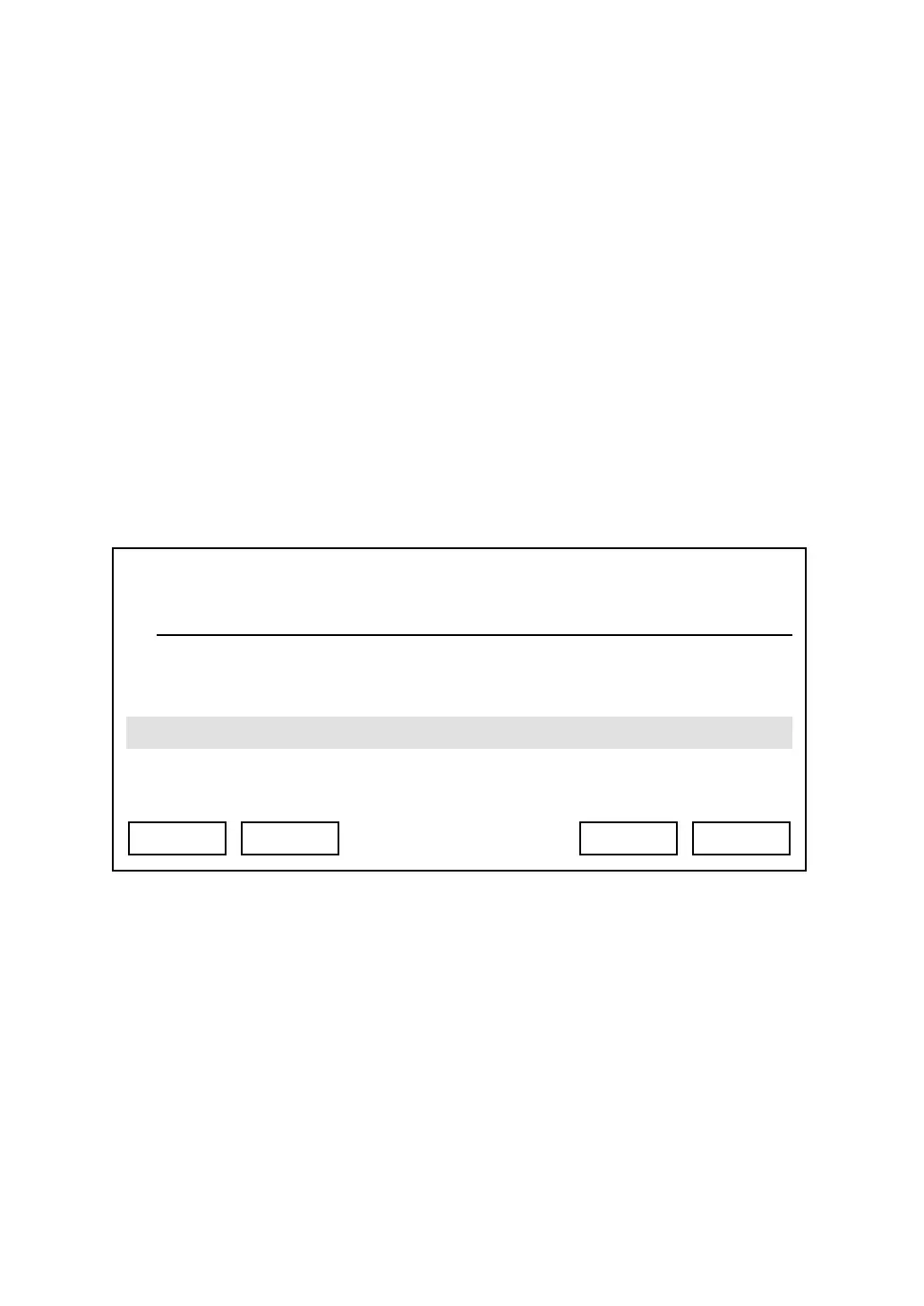
Press “Main Menu” key to enter main menu, then use up / down key and OK key
to go “Setting” -> “Personalize” -> “Screen Saver”. Please use up / down key to
select a screen saver, you can press “Preview” key to preview the screen saver
you selected, during preview you can press “Cancel” to return to screen saver
menu, then press “Select” to save change, or you can press “Exit” to abort.
You can also change the time to wait before screen saver is activated, or just
shutdown the LCD display to save energy:
Press “Main Menu” key to enter main menu, then use up / down key and OK key
to go “Setting” -> “Phone Settings” -> “Timeout To Screen Saver”, then press
“OK” key. You can use up / down key to select to use ‘Screen Saver’ or ‘LCD
OFF’. If you select ‘LCD OFF’, LCD display will be switched off after the amount
of time you specified here.
03:00 01/01/2007 2550 1101
Screen Saver1
Screen Saver2
Exit Select Preview Back



 To Next Page