2550 Video Phone User Manual IMT
Page - 59 -
press “Back” or “Exit” to keep original setting. Please note that the phone will
reboot when a new video quality setting is made.
Video Resolution:
You can also adjust the resolution of sending image here, there are 3 options:
Low Quality, Standard, and High Quality. Please use up/down key to select a
quality setting, and press “Select” or “OK” key to save change you made. You
can also press “Back” or “Exit” to keep original setting. Please note that the
phone will reboot when a new video resolution setting is made.
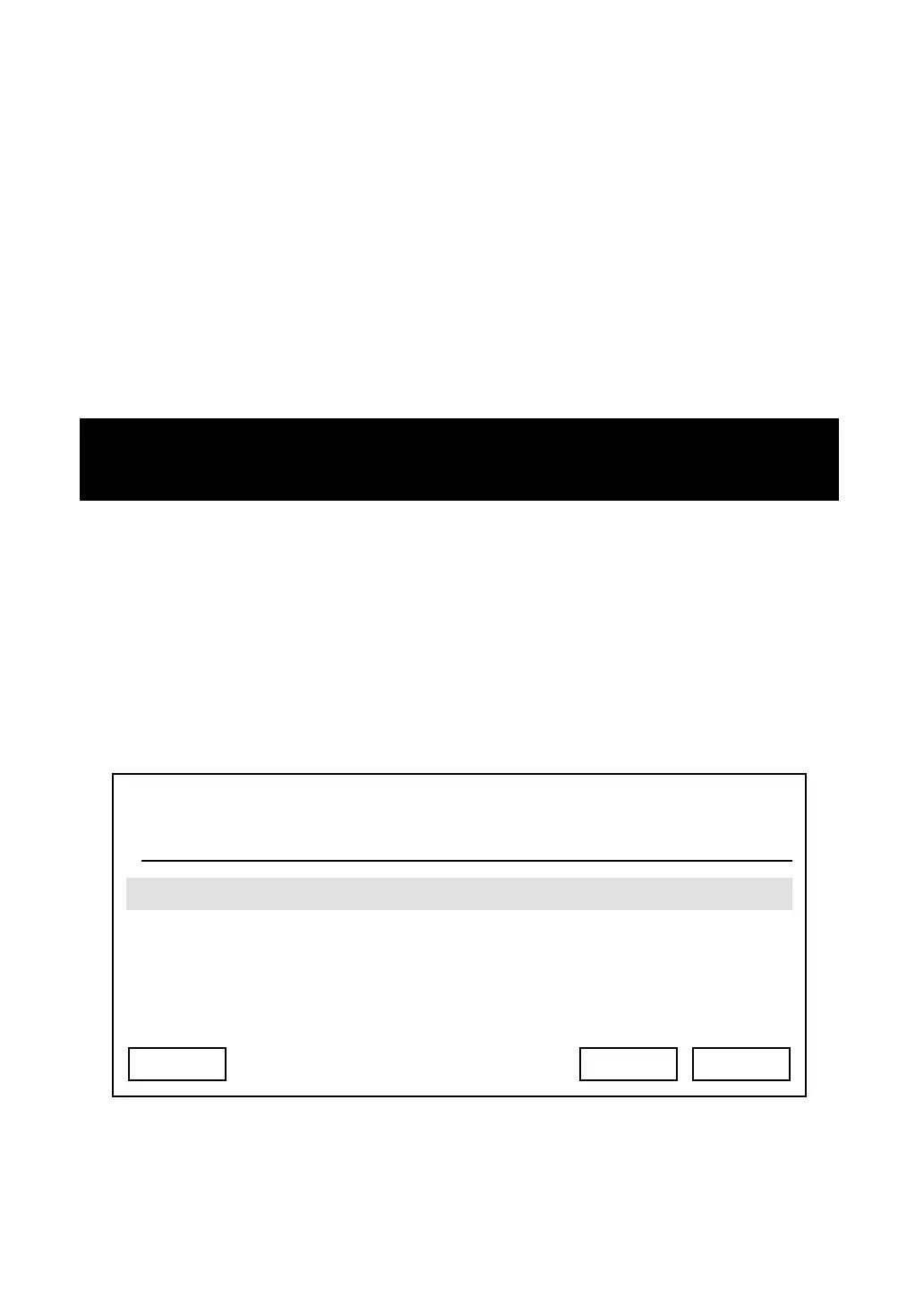
Camera Frequency:
If you’re using fluorescent light in the room, you may need to adjust camera
frequency, or the image could be flashing. There are 3 options: Auto, 50 Hz, and
60 Hz. In most cases you can select “Auto”, or you can select a proper setting
according to the frequency of your utility power.
Note: Your remote party may not be able
to display your image if you’re using a
different video quality or resolution.
03:00 01/01/2007 2550 1101
50 Hz
Exit Select Back



 To Next Page