2550 Video Phone User Manual IMT
Page - 57 -
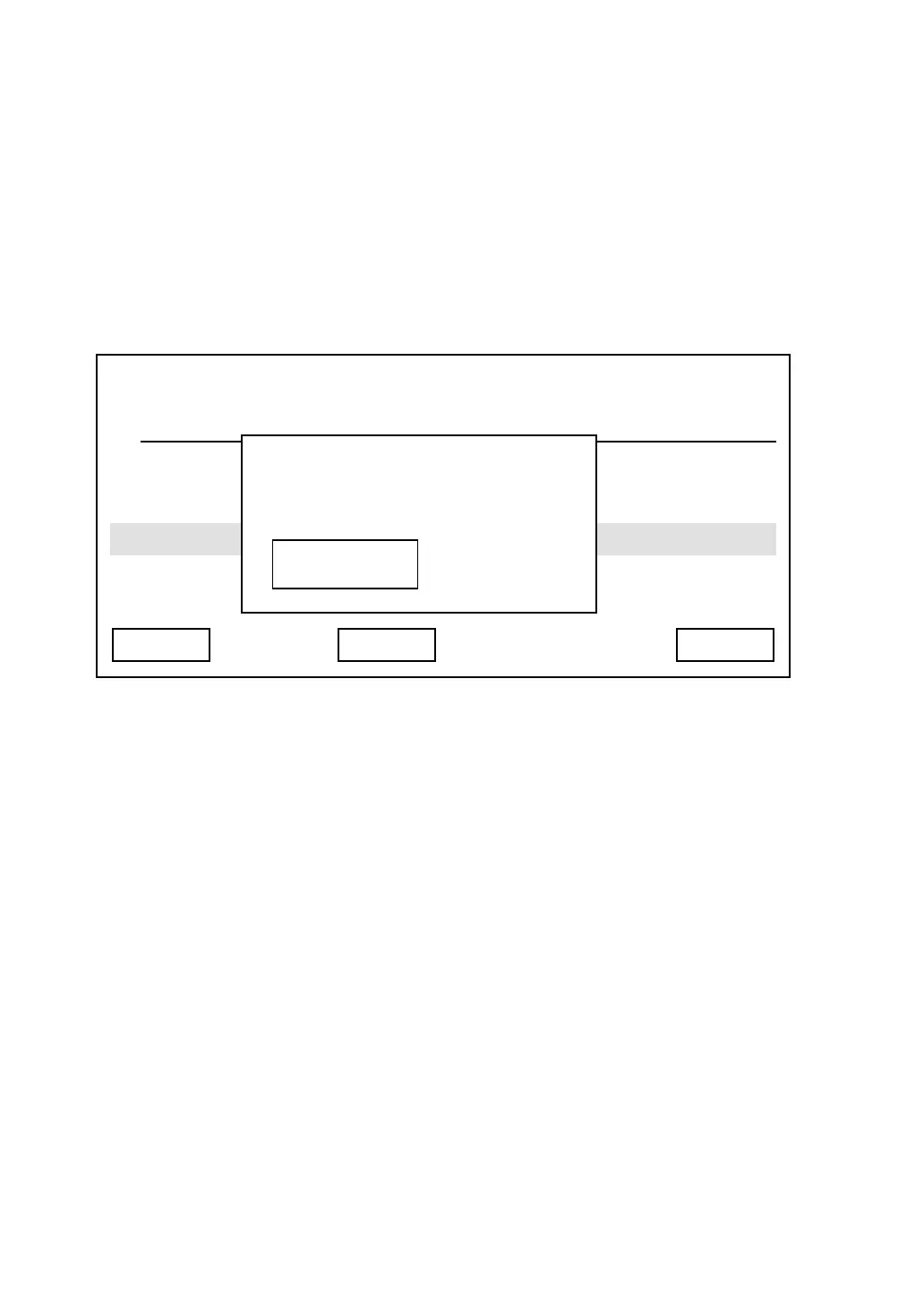
If you want to change the time that this phone waits before screen saver
activates, please press “Delete” key to remove numbers, and input a new
timeout setting by numeric keypad, then press “Save” key to save changes. If
you don’t want to deactivate screen saver, you can input ‘0’. Please note that
valid wait time is from 3 to 999 (minutes), you can’t input a number less than 3
here.
03:00 01/01/2007 2550 1101
Chime 1
Chime 2
Exit Save Delete
Screen Saver
LCD OFF
Min
3



 To Next Page