2550 Video Phone User Manual IMT
Page - 27 -
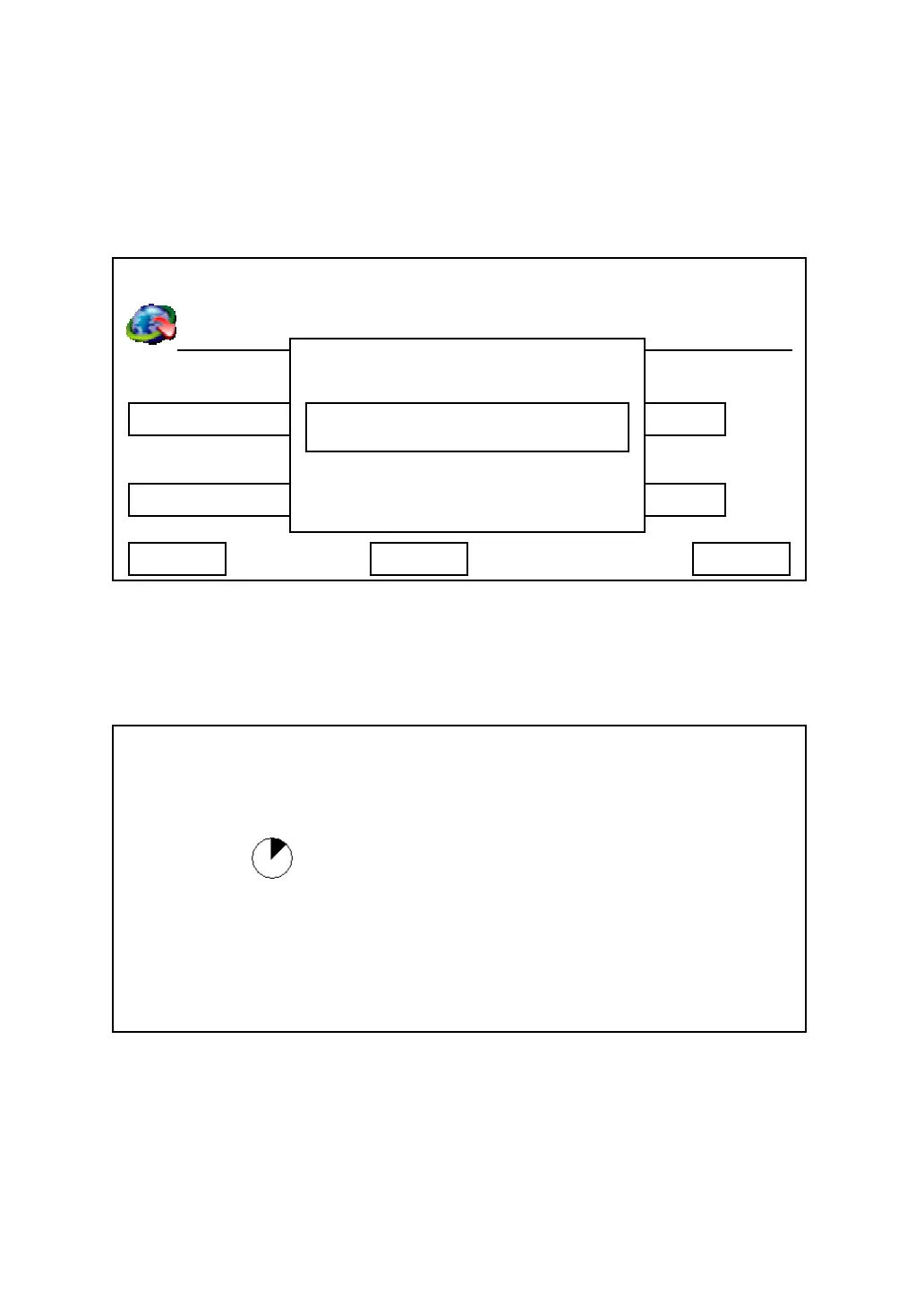
If any setting in this menu is changed, and ‘Save’ key is pressed, you’ll be
prompted to enter admin password to prevent unauthorized access. Please
enter admin password by numeric keypad, then press ‘Save’ key. The phone
will reboot and changes will take effect after reboot procedure is complete.
After you pressed ‘Save’ key, the following message will appear:
The phone is not re-configuring, please wait for 10 to 15 seconds.
03:00 01/01/2007 2550 1101
Phone Number Authentication User
SIP Register Server Password
ms
Exit Delete Save
1101
192.168.1.2
1101
****
Admin Password
System Is Going To
Reboot!
******
System Configuring…



 To Next Page