2550 Video Phone User Manual IMT
Page - 52 -
New
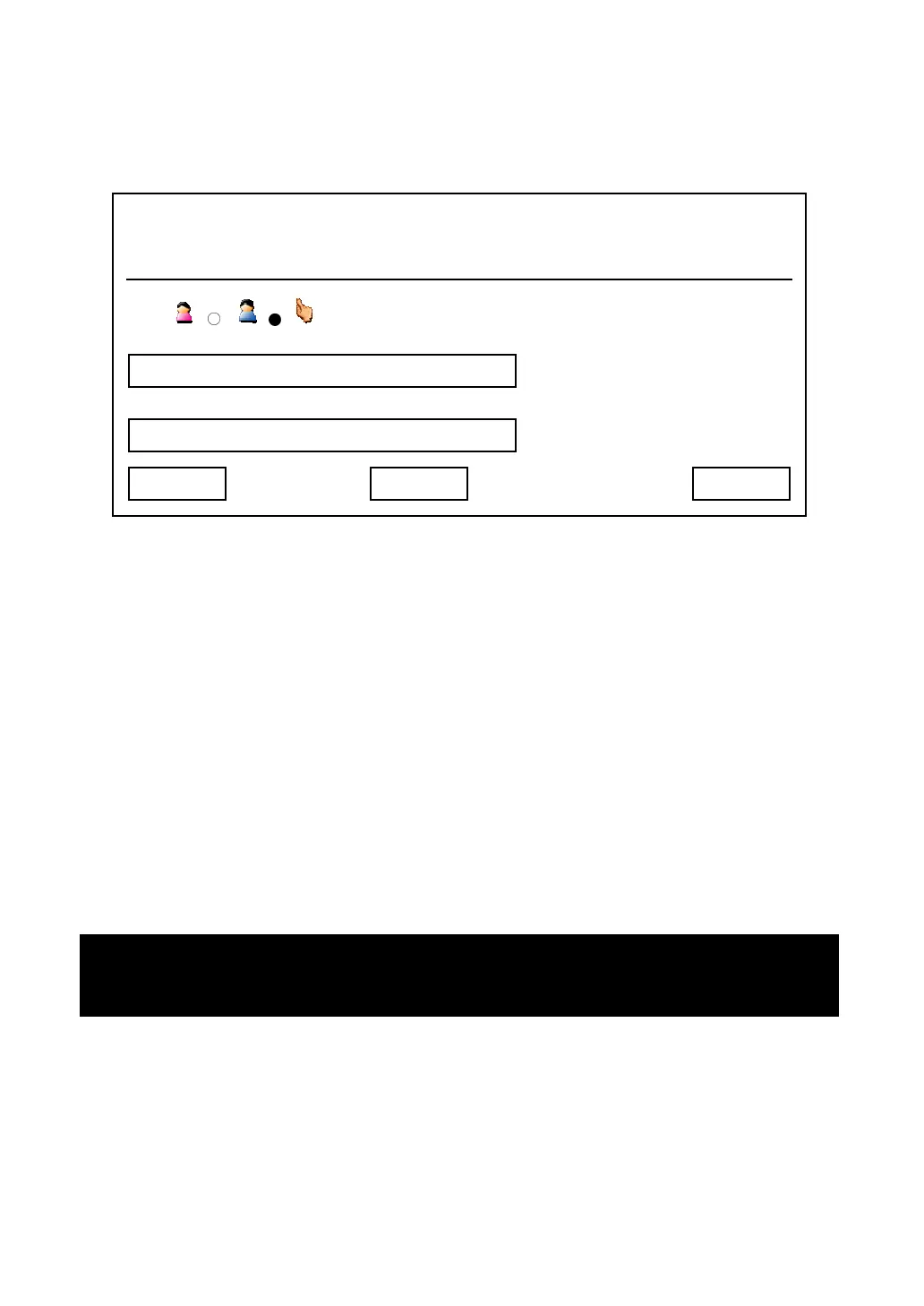
You can add a new person to your address book:
You will see a hand icon displayed on LCD display, which indicates the field
you’re currently entering data, and you can press up / down key to move hand
icon and select the field you want to enter data:
Sex: Press left / right key to choose sex of this person
Name: Press number keys 0 to 9 to input the name of this person
Number: Press number keys 0 to 9 to input the phone number of this person
You can press “Delete” key to remove a character or number, and press “Save”
key when you finish. You can also press “Cancel” key to return to previous
menu.
03:00 01/01/2007 2550 1101
Sex:
Name:
Number:
Exit Save
Delete
Hint: Please refer to chapter 2
-7 for instructions on how to enter alphabets and
numbers



 To Next Page