2550 Video Phone User Manual IMT
Page - 50 -
2-13 Selecting Default Audio Codec
This phone supports G711A, G711U, and G729 audio codec. If you want to
change the priority of audio codec, please follow the following instructions:
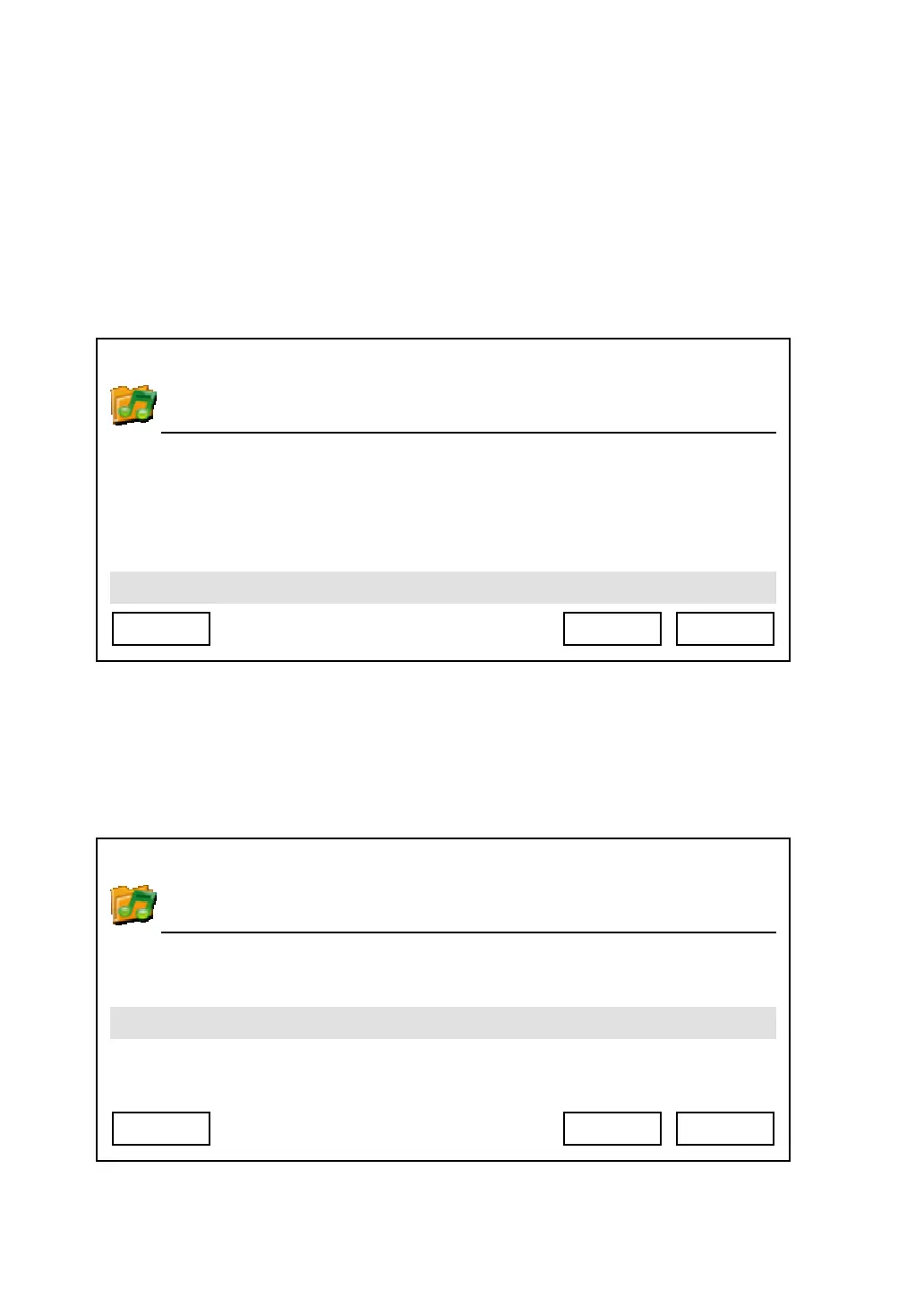
1. Press ‘Main Menu’ key to enter main menu, then use up/down key and ok key
to enter ‘Settings’ -> ‘Initial Setup’ -> ‘Audio Preference’, then select ‘Audio
Codec Priority’.
2. Please select the audio code you wish to set as highest priority (will be used
first), then press ‘Select’ key. If you wish to keep original setting untouched,
please press ‘Exit’ or ‘Back’ key.
03:00 01/01/2007 2550 1101
Ring Tone
Handset Volume
Handset Volume
Speaker Volume
Exit Select Back
03:00 01/01/2007 2550 1101
G711A
G711U
Exit Select Back



 To Next Page