2550 Video Phone User Manual IMT
Page - 32 -
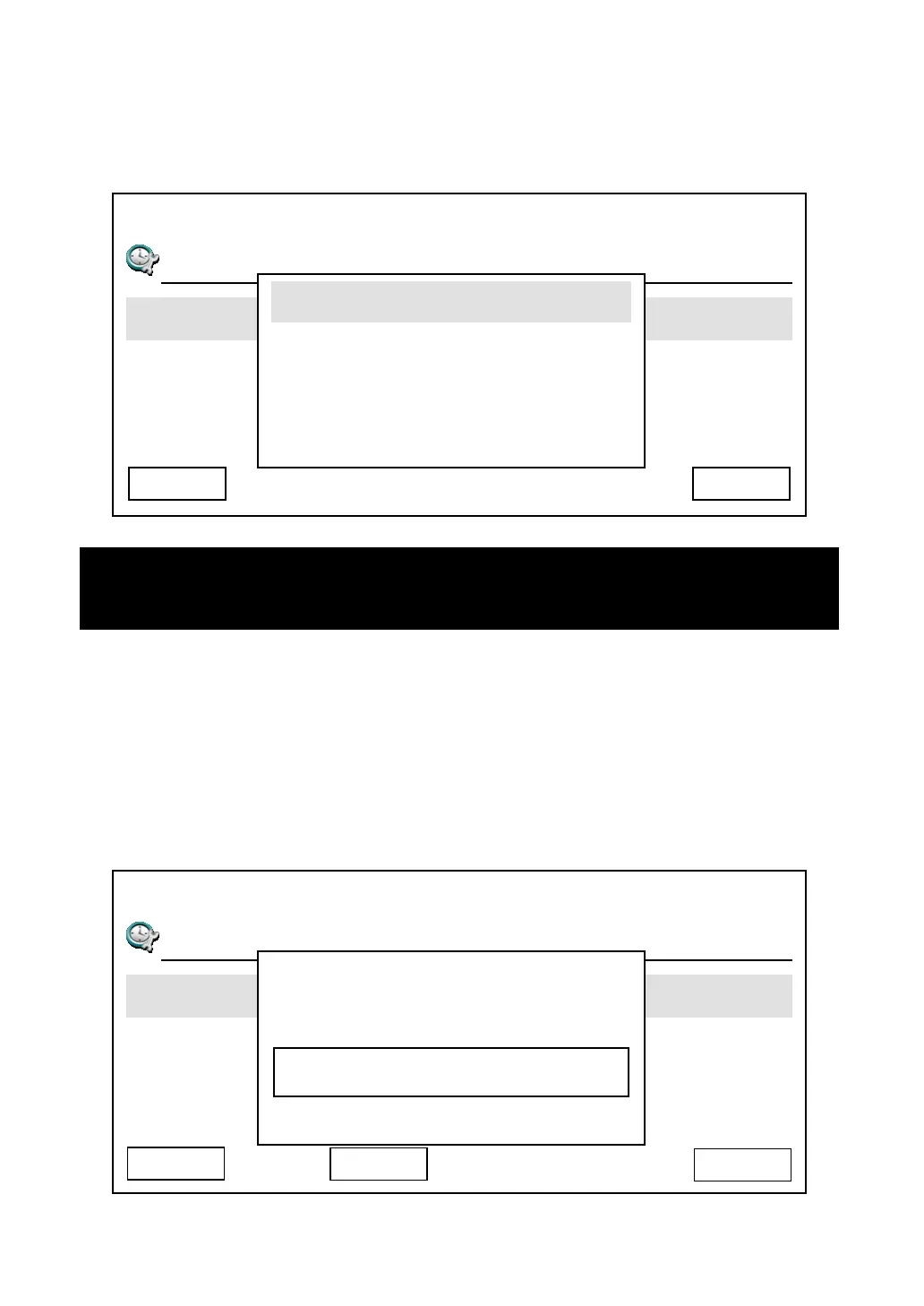
5. This phone provides 4 date and time display format to choose from. If you
want to change display format, select “Date Format” item, then pick a date /
time format.
6. This phone also supports NTP (Network Time Protocol) function, and you
can set default NTP server here, so this phone will synchronize its time with
time server to keep correct time. Default time server is ‘time.nist.gov’, you
can use this setting. However, if you wish to use your own time server,
please select ‘NTP Server’ and input the NTP server address, then press
‘Save’ to use new NTP server.
03:00 01/01/2007 2550 1101
T
Day Light Saving Enabled
Synchronization
Date Format
Cancel Yes
mm/dd hh:mm:ss
mm/dd AM hh:mm:ss
Hint: The character in date / time format represents:
hh:mm:ss = hour:minute:second, mm/dd/yy = mouth / date / year
03:00 01/01/2007 2550 1101
T
Day Light Saving Enabled
Synchronization
Date Format
Cancel
Save
NTP Server
time.nist.gov
Delete



 To Next Page