2550 Video Phone User Manual IMT
Page - 20 -
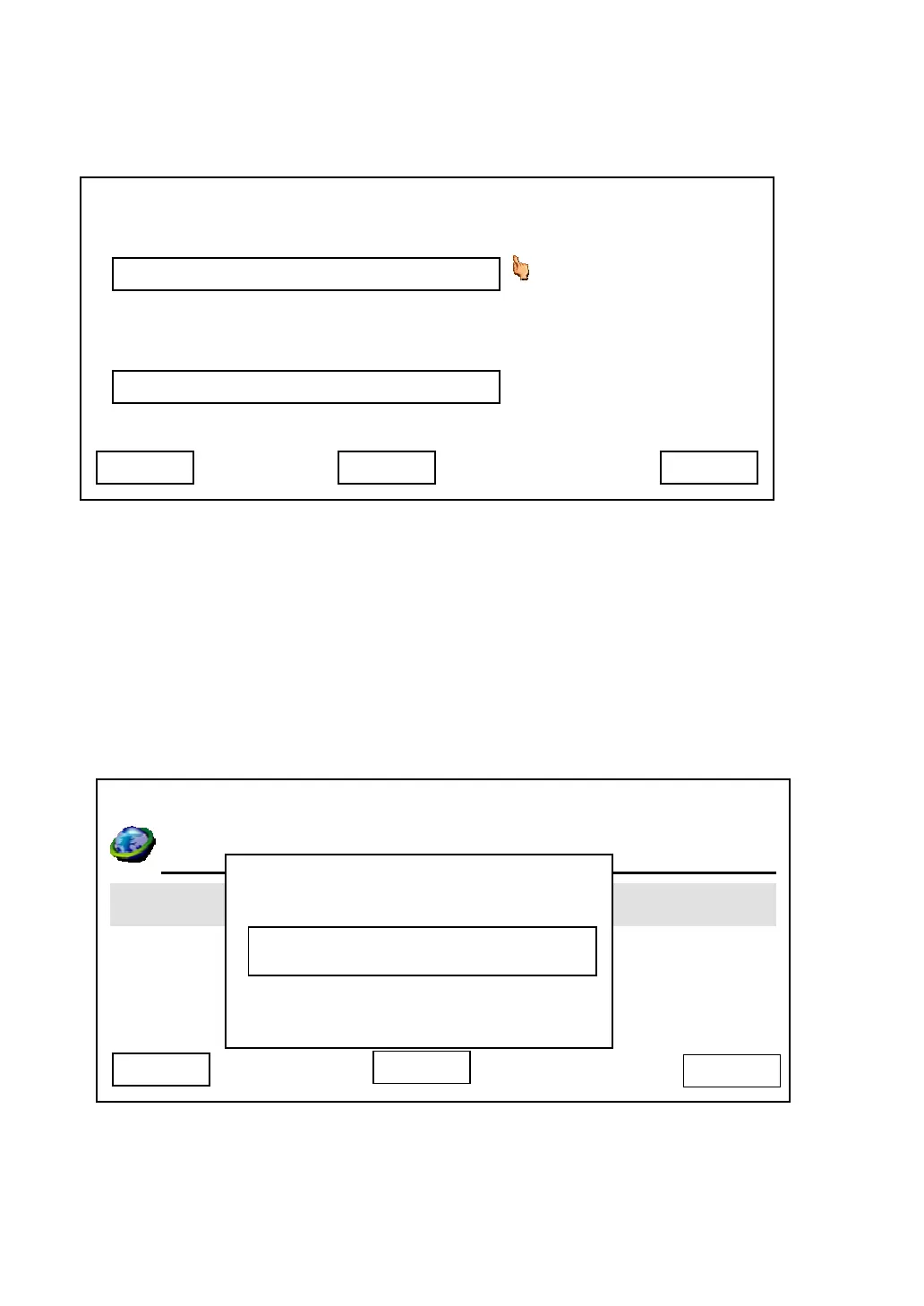
After you pressed ‘Yes’ key, you’ll be prompted to setup DNS server’s IP
address:
Please setup the IP address of DNS server, if you didn’t setup the IP address of
DNS server, many functions of this phone may not working properly. If you don’t
know the IP address of DNS server, please ask your Internet service provider or
network administrator. You can press ‘Delete’ to remove an inputted character.
Press ‘Save’ key to keep changes or press ‘Exit’ to keep original settings.
After you pressed ‘Save’ key, you’ll be prompted to input admin password:
Input correct admin password (default value is ‘123456’) and press ‘Save’ to
reboot the phone, or press ‘Cancel’ to abort.
03:00 01/01/2007 2550 1101
Primary DNS
Secondary DNS
192.168.1.253
Save
192.168.1.254
Exit Delete
03:00 01/01/2007 2550 1101
Day Light Saving Enabled
Synchronization
Date Format
Cancel
Admin Password
System Is Going To
Save
Delete



 To Next Page