2550 Video Phone User Manual IMT
Page - 40 -
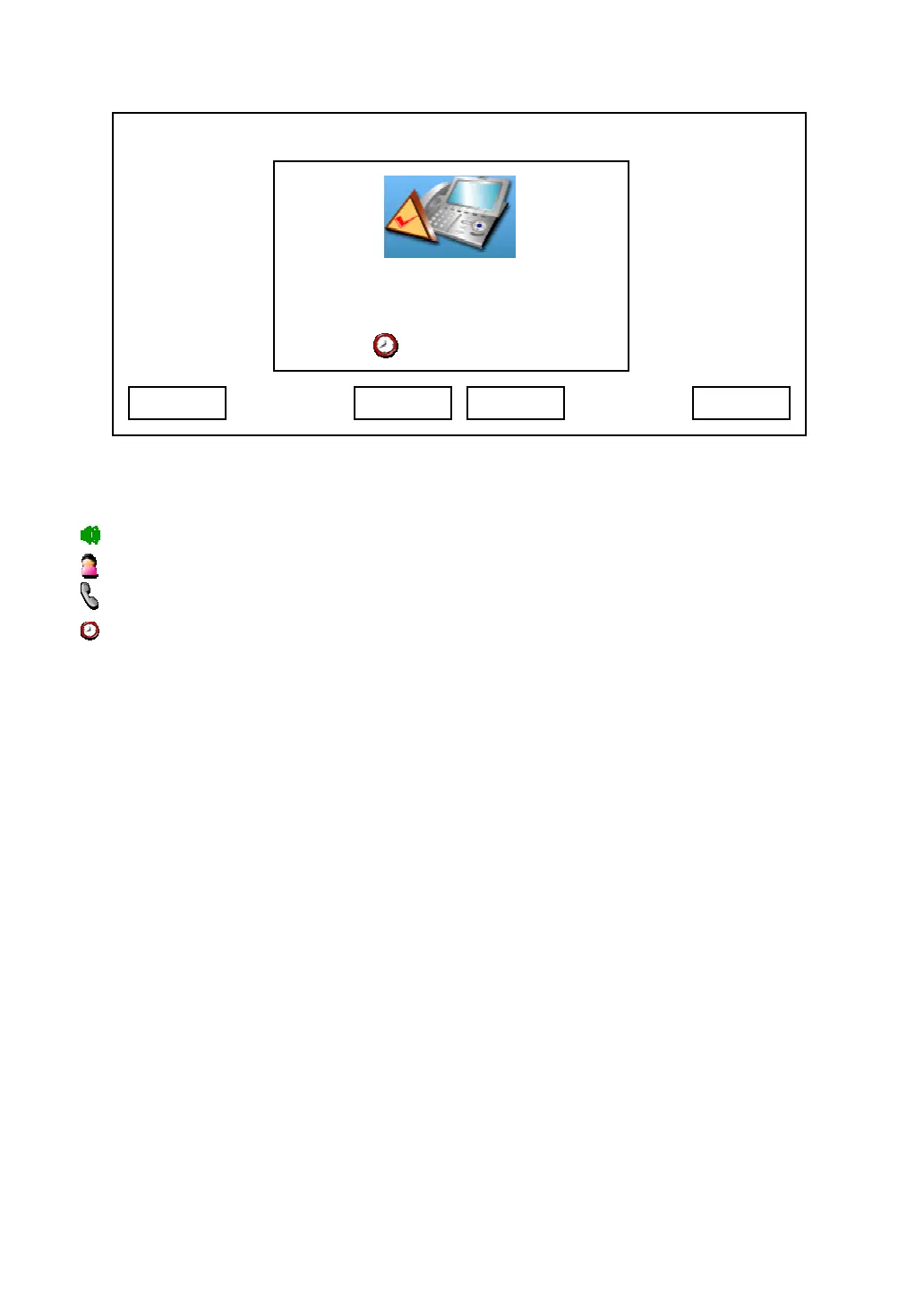
And there are 4 information items on LCD display, which are:
: Line number in use
: The name of remote party
: The phone number of remote party
: Call timer
You can use these keys during the call:
Disconn: Ends the call
Hold: Put remote party on hold, and remote party will not hear anything from you
during hold. Refer to chapter 2-8 for detailed information.
Addr Book: Go to address book menu. Refer to chapter 3-1 for detailed
information
Video On / Off: Start or stop sending video. When remote party does not support
video, or network is slow, you can switch video off to save bandwidth,
which will improve audio quality.
Mute: Switch the microphone off, remote party will not hear anything from you;
to resume, press “Mute” key again.
Camera: Switch the camera on your phone on or off
Headset: Switch to headset during a call if you’re using headset or
speakerphone.
Speaker: Switch to speakerphone during a call if you’re using headset or
03:00 01/01/2007 2550 1101
Connected
Albert H. 1102
Disconn Hold Addr Book Video On



 To Next Page