2550 Video Phone User Manual IMT
Page - 42 -
2-8 Holding and Transferring a Call
When a call is established, “Hold” key will appear on LCD display. Detailed
descriptions will be discussed in this chapter.
Holding a call
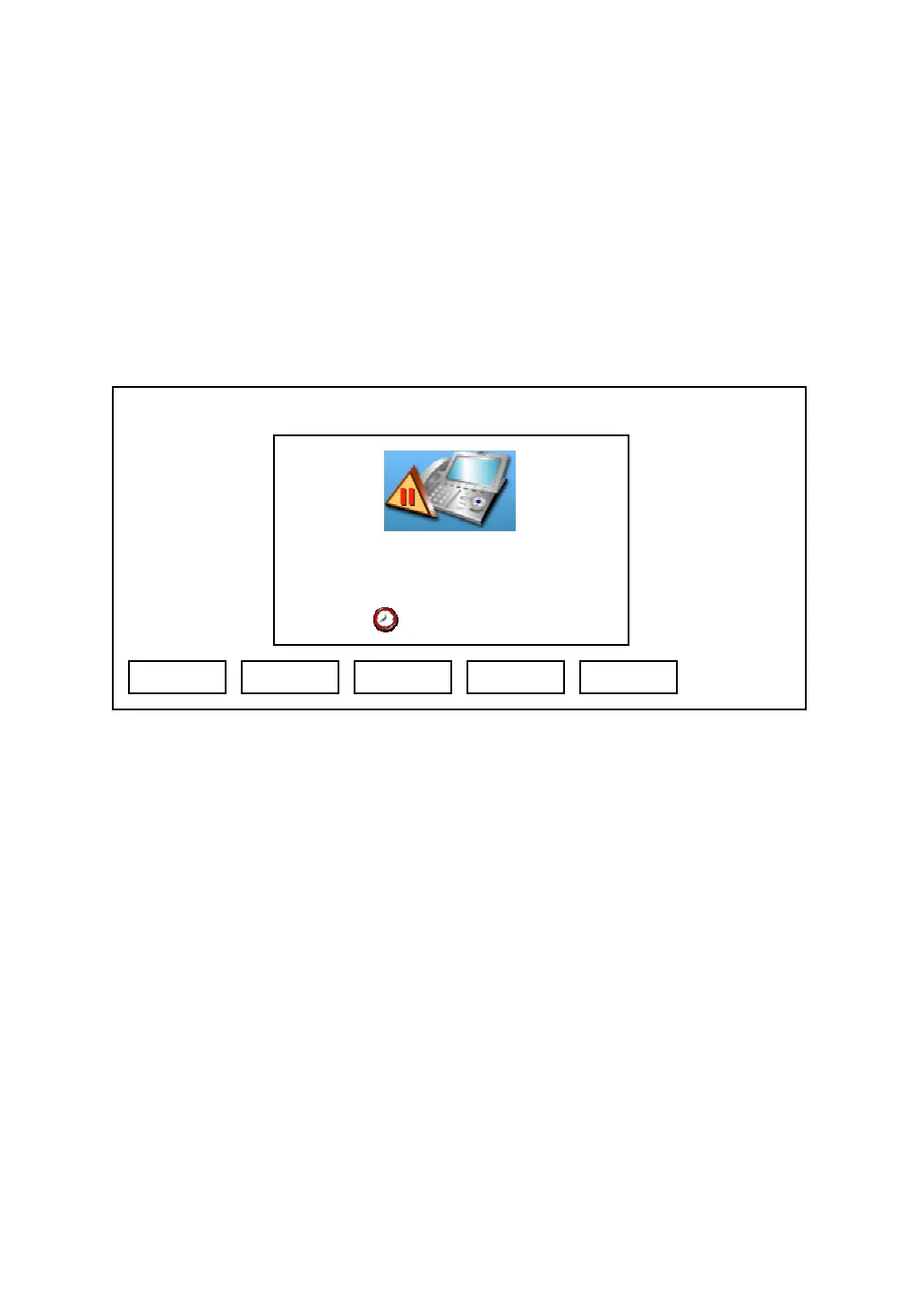
During a call, press “Hold” key, and the following message will be displayed on
LCD display:
During hold, remote party will not hear anything from you, and you can use
these keys during hold:
Disconn: Ends the call
Transfer: Transfer the call to another number (see below)
Resume: Resume the call (cancel hold)
Addr Book: Go to address book menu, refer to chapter 3-1 for detailed
information
2nd line: Make an outgoing phone call to another number, and keep remote
party on hold until the second call ends (see below)
03:00 01/01/2007 2550 1101
Hold
Albert H. 1102
Disconn Transfer Resume
Addr Book
2nd Line



 To Next Page