2550 Video Phone User Manual IMT
Page - 45 -
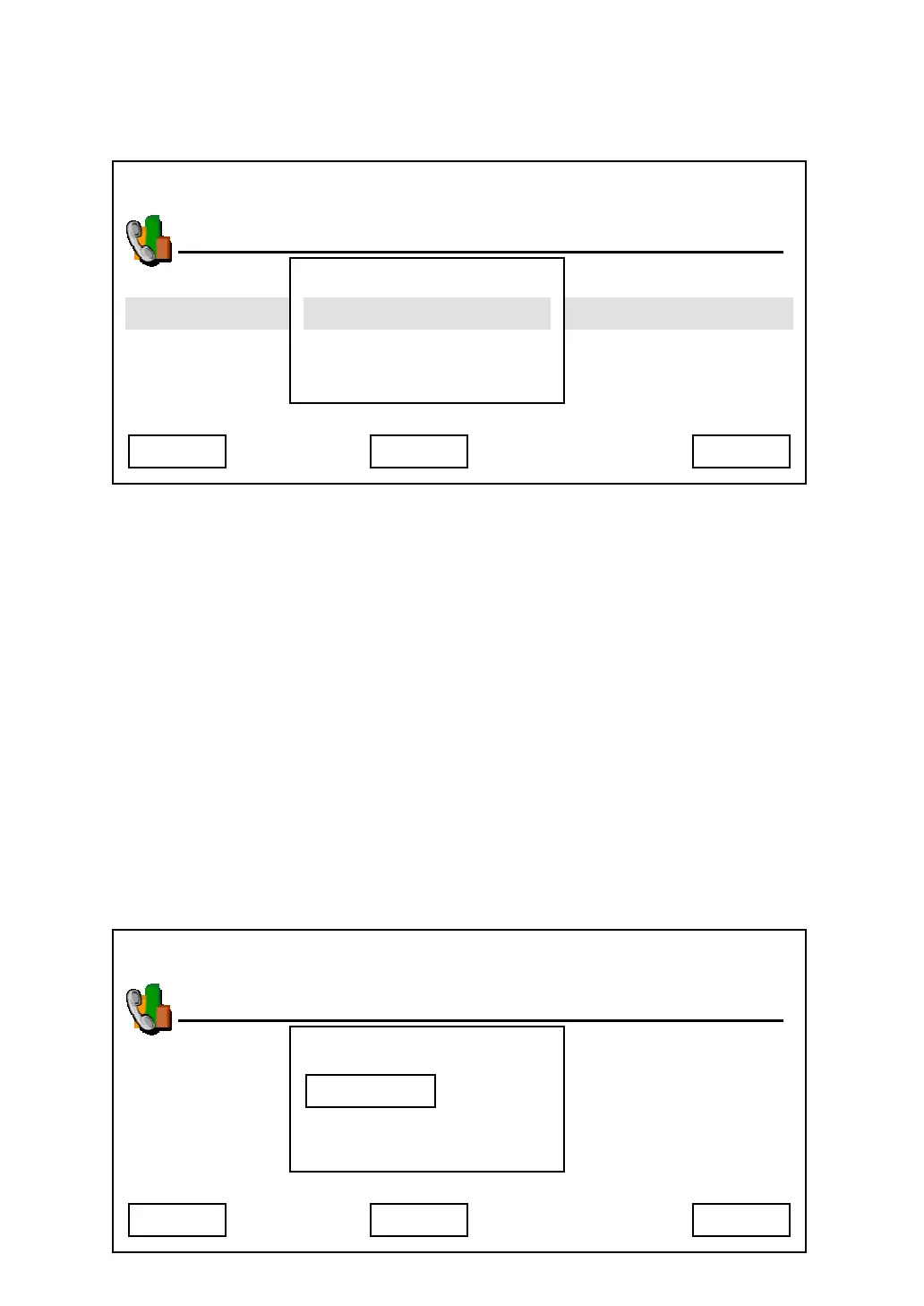
When you select any of forwarding type, you’ll see the following message
displayed on LCD display:
Press up / down key to enable / disable call forwarding. If you select “Enable”,
you’ll be prompted to enter target phone number. Press “Save” after your choice
is made, and you can press “Delete” to remove a number you entered, or press
“Cancel” to abort and back to previous menu.
For no answer forwarding, default ringing timeout setting is 30 seconds, which
means if no one answer the call within 30 seconds, no answer forwarding
function will be activated. You can change this setting by following procedures:
Press “Main Menu” key to enter main menu, then use up / down key and OK key
to go “Setting” -> “Phone Settings” -> “Ringing Timeout”, then press “OK” key.
Please press “Delete” key to remove numbers, and input a new timeout setting
by numeric keypad, then press “Save” key to save changes.
03:00 01/01/2007 2550 1101
Phone Settings
Cancel Save
Do Not Disturb
No Answer Forwarding
Busy Forwarding
Call Waiting
Enable
Target Number
Delete
03:00 01/01/2007 2550 1101
Phone Settings
Cancel Save
Ringing Time Out
Sec
Delete



 To Next Page