2550 Video Phone User Manual IMT
Page - 67 -
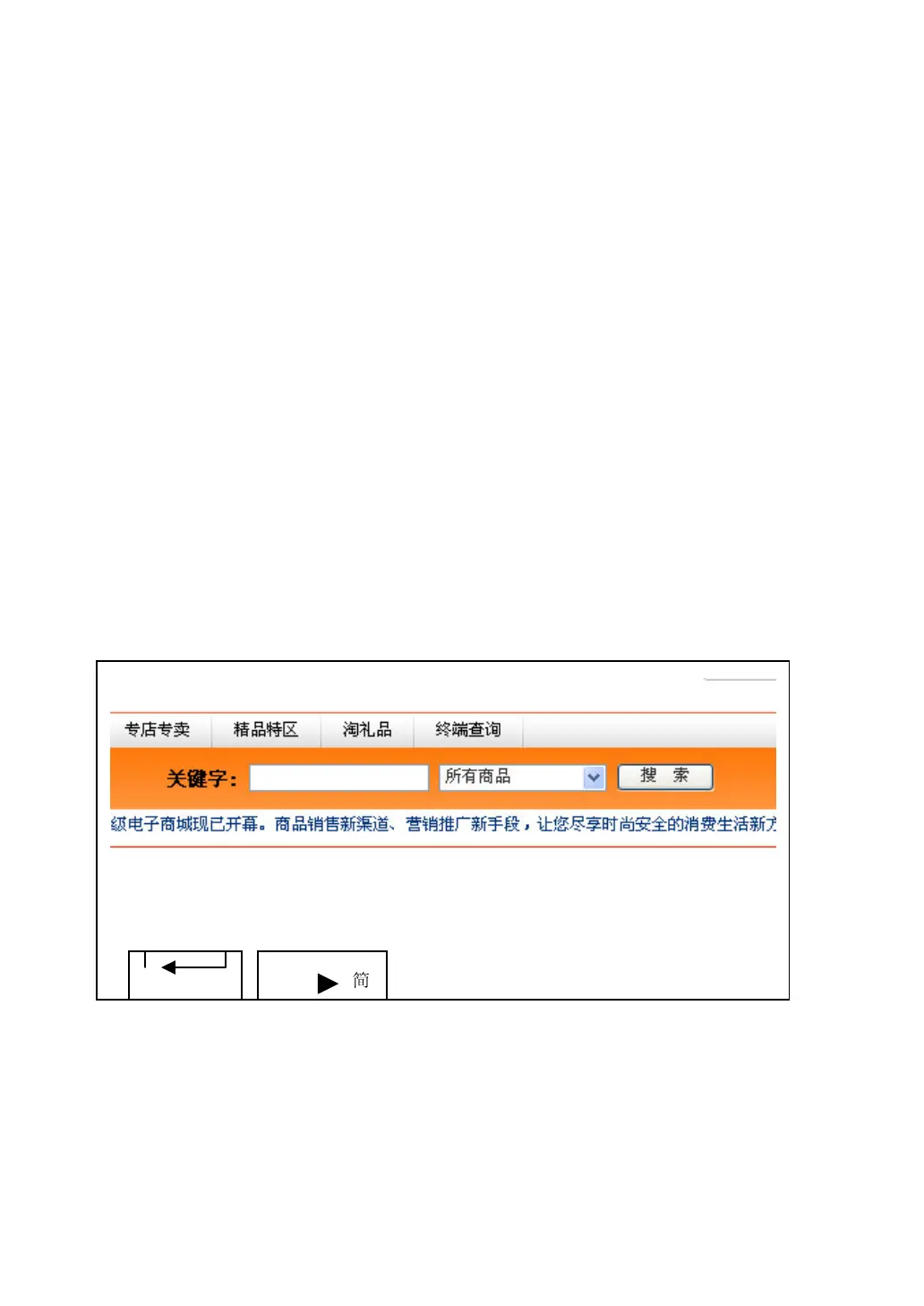
How to select item in dropdown menu?
When you wish to select an item in a dropdown menu, you can move the square
to the dropdown menu you wish to select, then click ‘OK’ key. The color of
dropdown menu will change, and you can use right / down key to select item in
downward direction, or use up / left key to select item in upward direction. When
the item in dropdown menu is selected, press ‘OK’ key.
How to click a button?
Move the square to the button you wish to click, and then press ‘OK’ key.
How to input text?
When you move the square to text entry box, please click ‘OK’ key to start to
input text. A text entry bar will appear at the bottom of display:
DELETE



 To Next Page