2550 Video Phone User Manual IMT
Page - 69 -
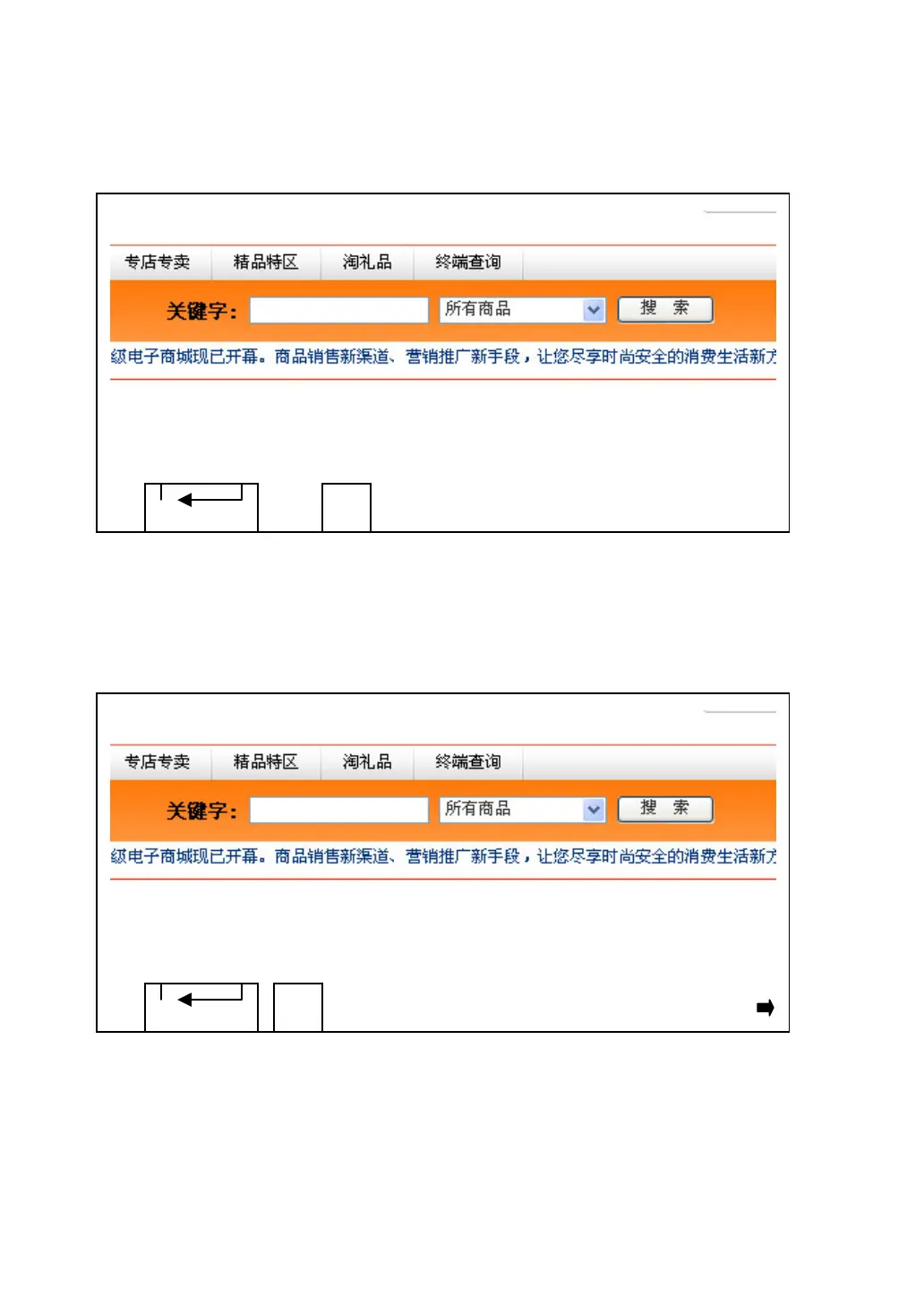
When in Chinese input mode, you can use number keys to use phonetic (pin-yin)
to choose the Chinese character you wish to input:
Please use left / right key to select correct pin-yin for the Chinese character you
wish to input (you may need to select more than one alphabet), and all matching
Chinese characters will appear (You can press ‘DELETE’ key to back to
previous step).
You can use left / right key to select the Chinese character you wish to input.
When an arrow appears at the leftmost or rightmost position of all candidates,
you can press left / right key repeatedly so the character selector moves toward
the arrow, and when selector reaches the arrow, another set of candidates will
appear.
DELETE
b
a c
DELETE



 To Next Page