Issue: 01
Page: 10-4
Operating instructions
VOLLMER WERKE
MAP 200 / 400
10.4 Adjustment of the measure reference
a) Adjust the levelling to the backwards position.
b) Initialize the measuring sensor.
c) Drive the blade to the right.
d) Locate the average deformation displayed on the screen and position on this value.
e) Reinitialize the sensor.
10.5 Automatic operation
a) Start the automatic levelling cycle by pressing on .
b) At the end of the automatic mode, the machine stops and the levelling unit is brought to its
backward position.
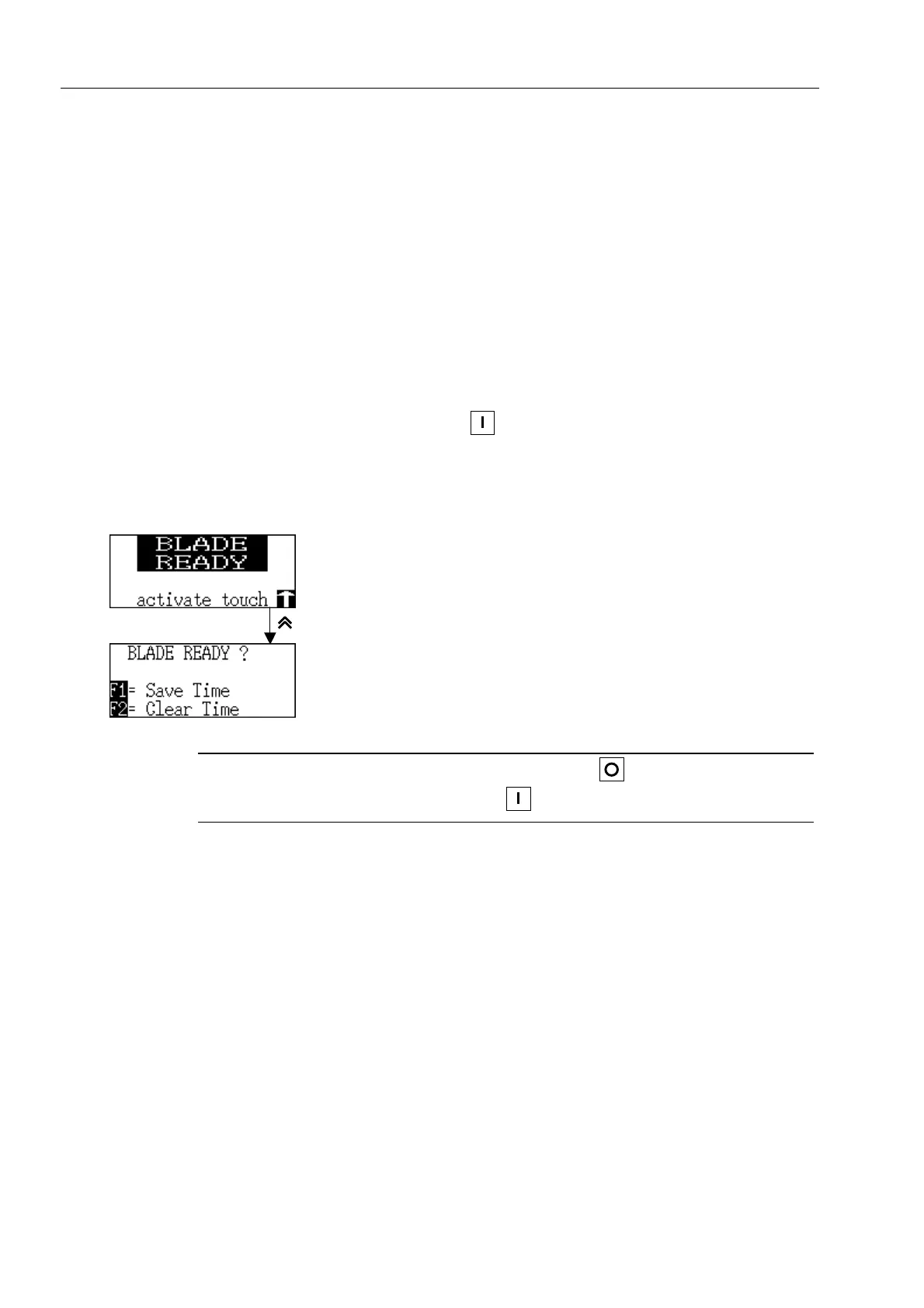
The next display appears :
Blade ready
Levelling time
F1 : Save time
F2 : Clear time
Note
The levelling cycle can be interrupted by pressing on .
To continue the levelling cycle, press on .



 To Next Page