VOLLMER WERKE
Operating instructions
Issue: 01
MAP 200 / 400
Page: 13-1
13 DIAGNOSIS
This machine is equiped of an error display system.
Interventions and the diagnosis on the machine should be carried out only by qualified personal.
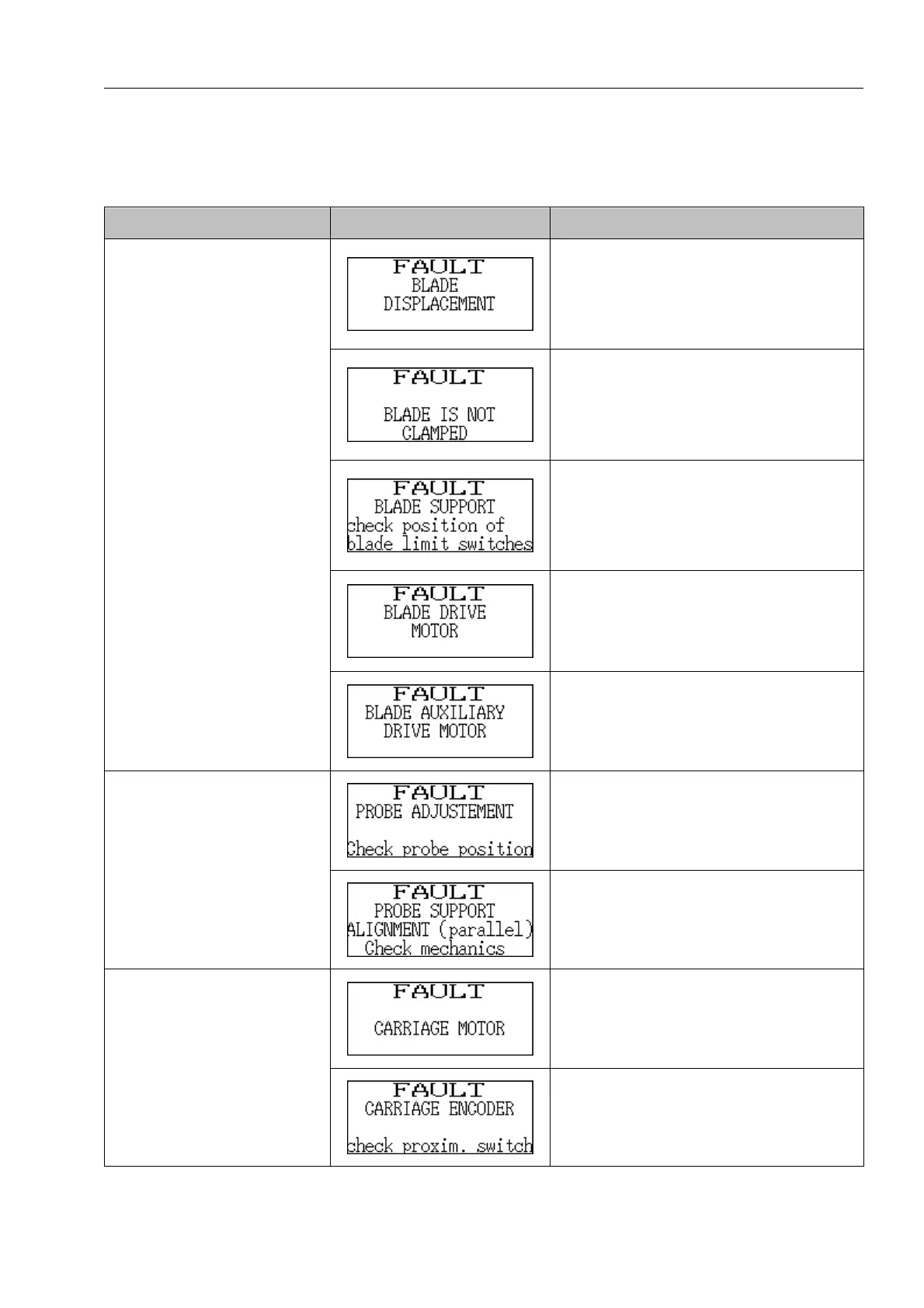
Default Display Diagnosis
• Make sure that the saw blade has
been tightened between the guiding
devices, if not, search the reason
and solve at source.
• Adjust the compressed air pres-
sure.
• Adjust the compressed air pres-
sure.
• Incorrect adjustment, activate the
selector again.
• Defective selector, replace the se-
lector.
• Adjust the position of limit switches
on the exterior sides of the blade
guides.
• Make sure the limit switches work
correctly, if necessary replace
them.
• Adjust the contactor.
• Adjust the motor commutator.
• Adjust the motor.
The saw blade stays immobile.
(Only on MAP400)
• Adjust the contactor.
• Adjust the motor commutator.
• Adjust the motor.
• Adjust the sensor position at the
level of the linear guide, the dis-
tance between the sensor surface
and the saw blade should rise to
1,5 mm maximum.
The sensor can not be reset.
• Make sure the sensor support is
parallel with the blade guide, if
necessary adjust.
• Adjust the circuit breaker.
• Adjust the overheating relay.
• Adjust the cabling.
• Adjust the motor.
The carriage stays immobile.
• Adjust the inductive proximity sen-
sor, if necessary replace it.



 To Next Page