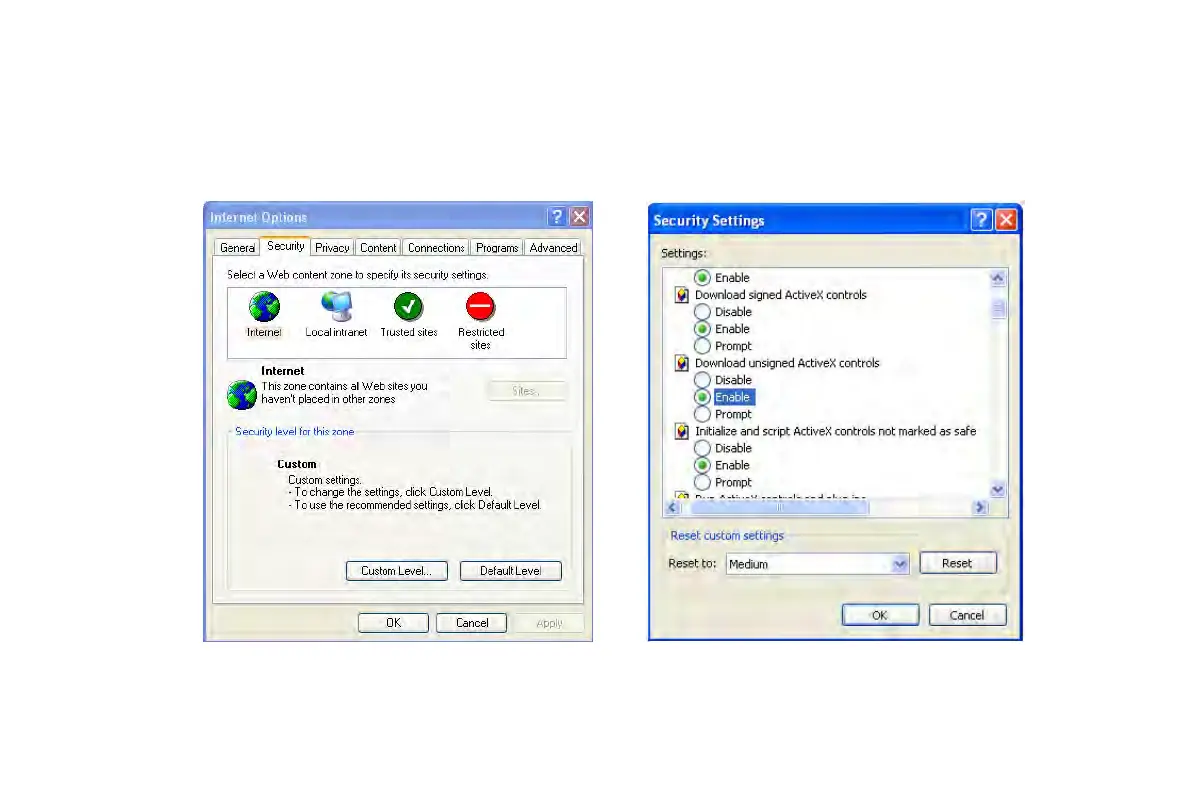
② select Security------Custom Level….Refer to Fig 8-1
③ Enable all the sub options under “ActiveX controls and plug-ins” refer to Fig 8-2
④ Then click ok to finish setup.
b. Other plug-ins or anti-virus block ActiveX. Please uninstall or close them.
Fig8-1 Fig8-2
Q9: How to deal with when DVR starts, it displays “please wait…”all the time
VOOK professional monitoring



 To Next Page