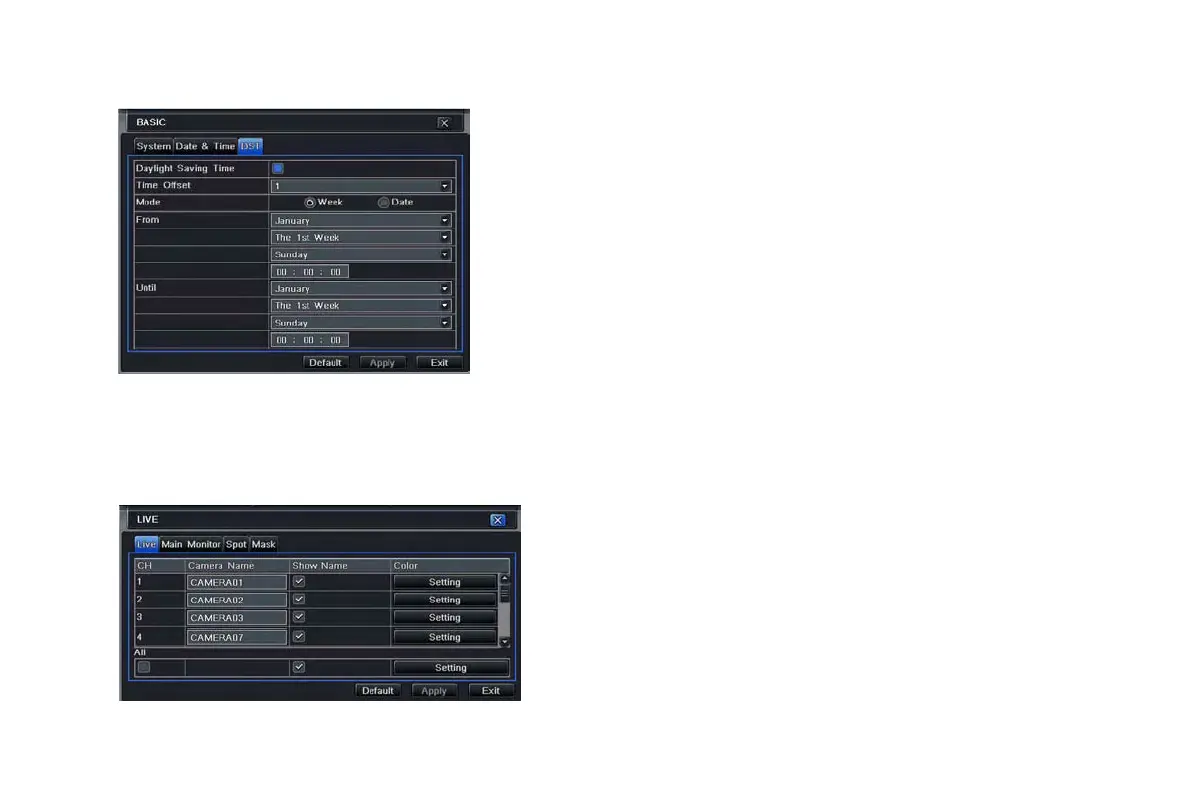
4.1.3 DST
Step1: enter into system configurationbasic
configurationDST; refer to Fig 4-5:
Step2: in this interface, enable daylight saving time, time
offset, mode, start & end month/week/date, etc.
Fig 4-5 basic configuration-DST
4.2 Live configuration
Live configuration includes four submenus: live, main monitor, Spot and mask.
4.2.1 Live
In this interface, user can setup camera name, adjust colors: brightness, hue, saturation and contrast.
Fig 4-6 live configurationlive
Step1: enter into system configurationlive
configurationlive; refer to Fig 4-6:
Note: Click Camera Name, a soft keyboard will pop
up. User can self-define the camera name. Click Shift
button, user can input Capital letters; click Shift
button again, user can input Chinese characters.
Step2: tick off camera name; click “setting” button, a
window will pop-up as Fig 4-7:
VOOK professional monitoring



 To Next Page