Note: the vertical column means hours, horizontal column means channels.
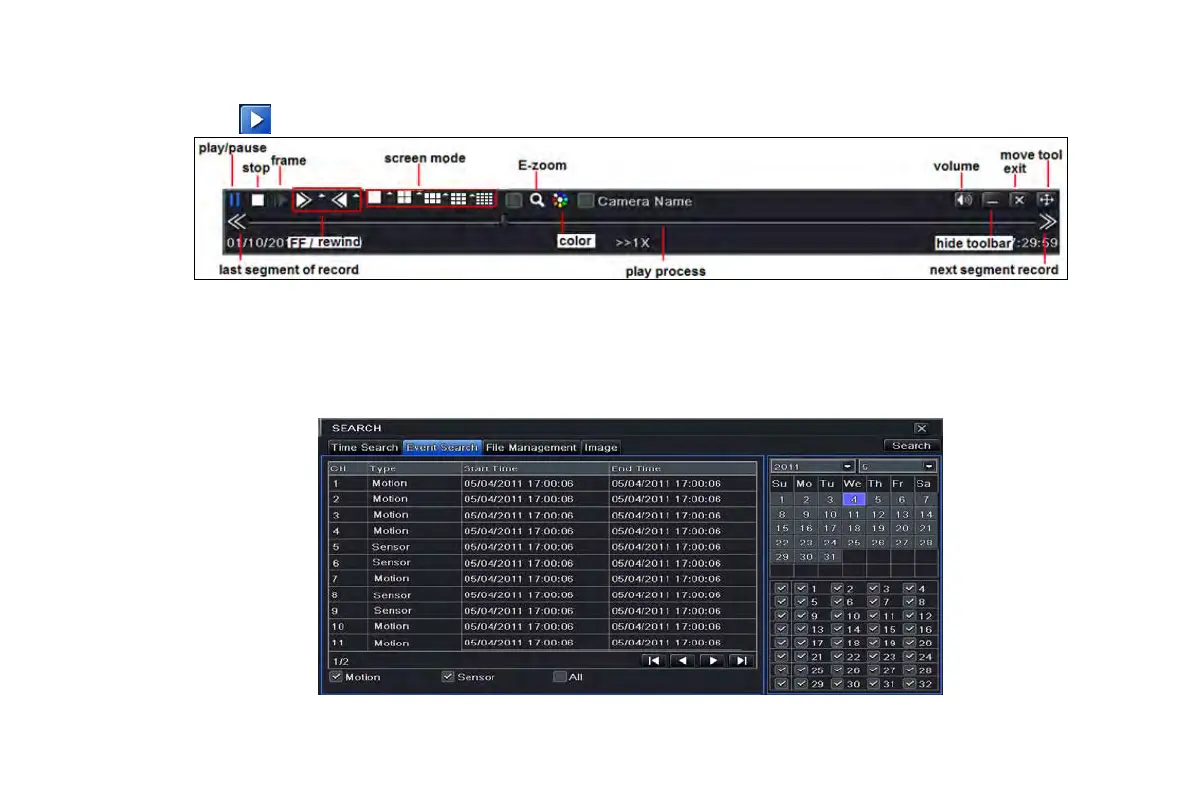
Step4: click Play
button to playback record; click the relevant buttons on the screen to do operation:
Playback buttons
Note: when the monitor resolution is VGA800*600, the time search interface will appear a hide button, click this button,
the whole interface can be expanded.
5.2 Event search
Step 1: enter into Search configurationevent search; refer to Fig 5-2:
Fig 5-2 Search configuration-event search
VOOK professional monitoring



 To Next Page