Record file clip size: Single video size. When the video size is greater than setup value, change another video files
Reserved disk space: Reserved SD Card disk space, when the disk space is less than setup value, the video will be stopped
Display config:
Display mode: User can select one live picture display or four live picture displays
Remember display order: User can choose whether to remember display order or not.
Alarm config:Select Audio Alarm. When Video Loss/Sensor/Motion happens,trigger sound alarm. Select shake Alarm. When
Video Loss/Sensor/Motion happens,trigger vibrate alarm.
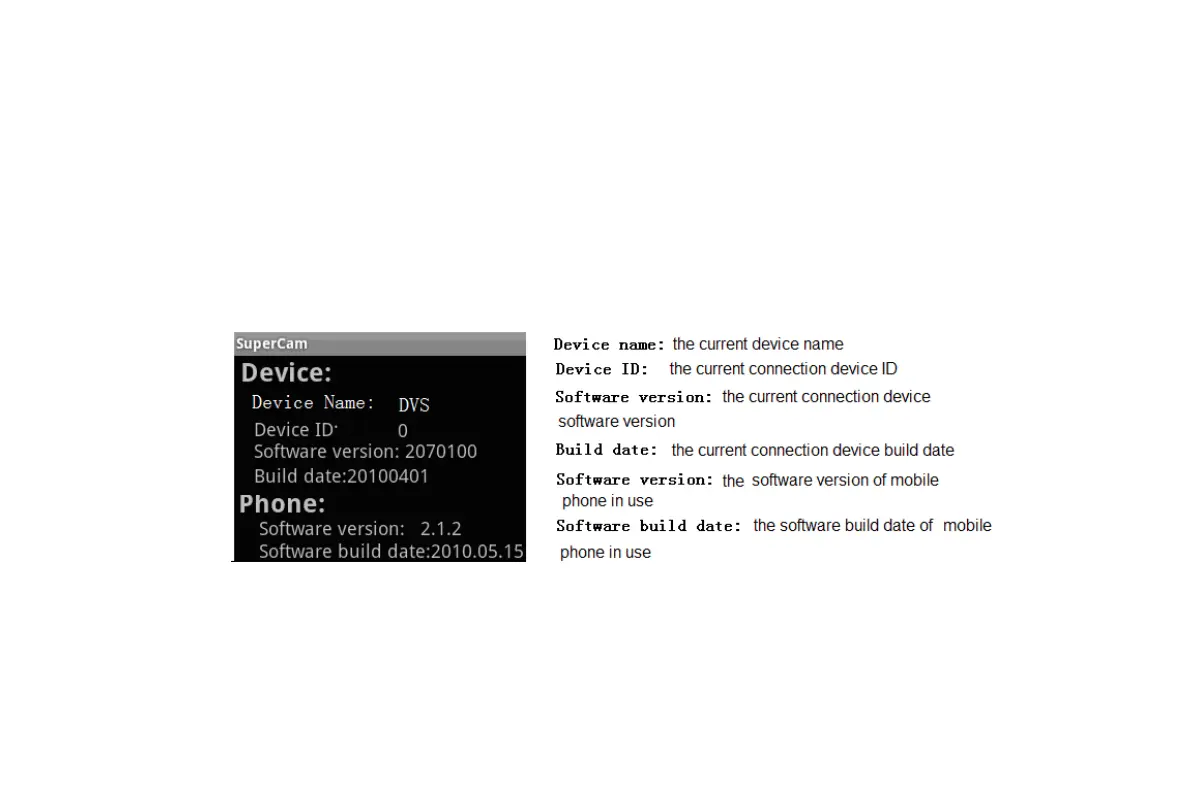
8. Information View Interface
8.4 The installation & operation methods for Android mobile clients
Software Installation
VOOK professional monitoring



 To Next Page