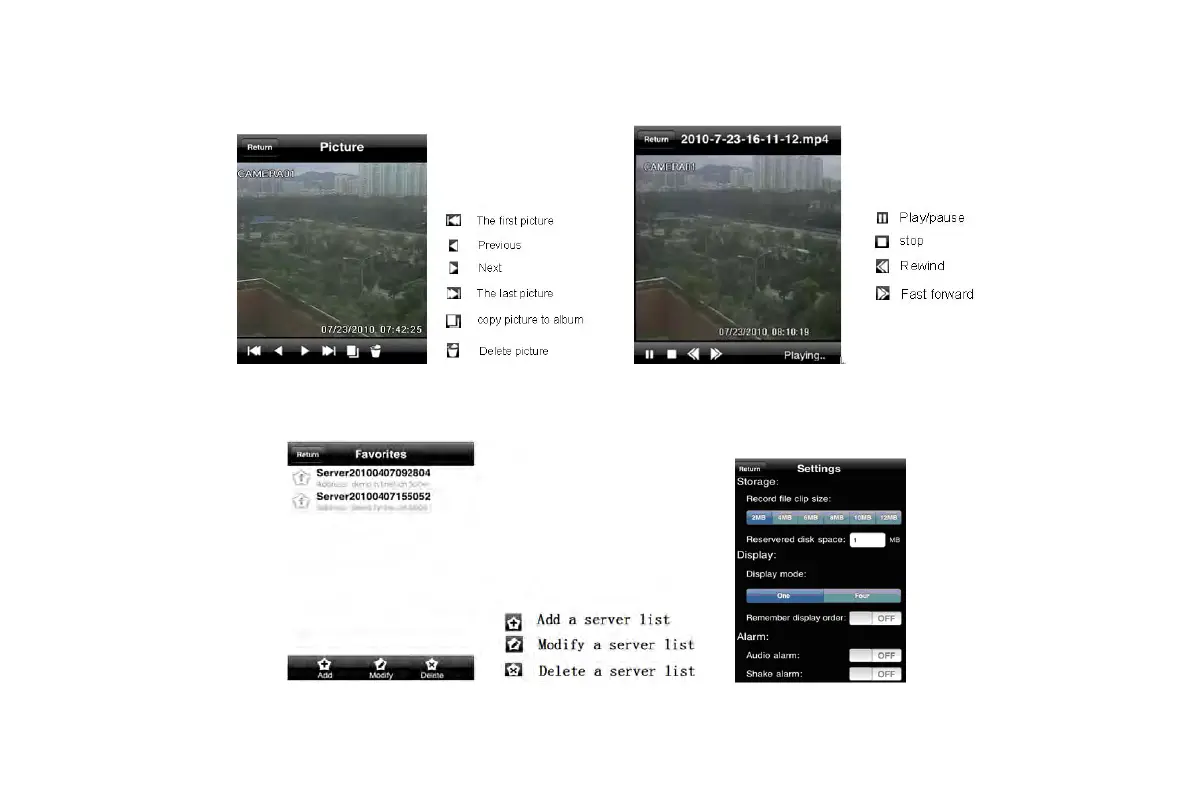
4. Image view interface, refer below picture in the left:
5. Record Playback interface, refer below picture in the right:
Click the record file to playback.
6. Server list Interface, refer to below picture in the left:
7. Config interface, refer to below picture in the right:
Main parameters for mobile phone video config
VOOK professional monitoring



 To Next Page