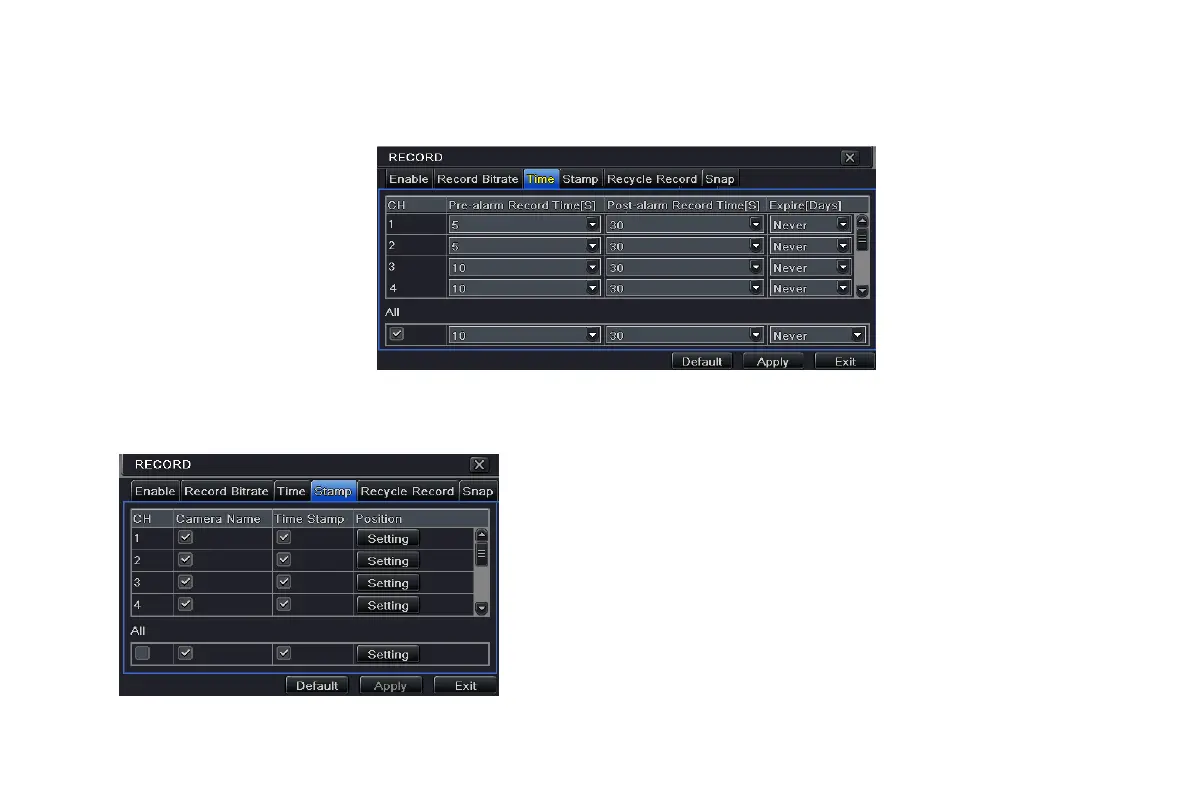
Post-alarm record: set post recording time after the alarm is finished, options: 10s, 15s, 20s, 30s, 60s, 120s, 180s and 300s.
Expire time: the hold time of saved records. If the set date is overdue, the record files will be deleted automatically.
Step2: user can setup all channels with same parameters, and then tick off “all” to do relevant setup.
Fig 4-13 record configuration-time
4.3.4 Stamp
Stamp:User can overlap the channel name and time stamp on video.
Step1: enter into system configuration record
configuration stamp; refer to Fig 4-14:
Step2: tick off camera name, time stamp; click Setting
button. User can use cursor to drag the camera name
and time stamp in random positions, referring to below
Figures:
Step3: user can setup all channels with same
parameters. Tick off “all” to do relevant setup.
Fig 4-14 record configuration-stamp
VOOK professional monitoring



 To Next Page