5 Record search & playback and backup
Search configuration includes four submenus: time search, event search, file management and image.
5.1 Time search
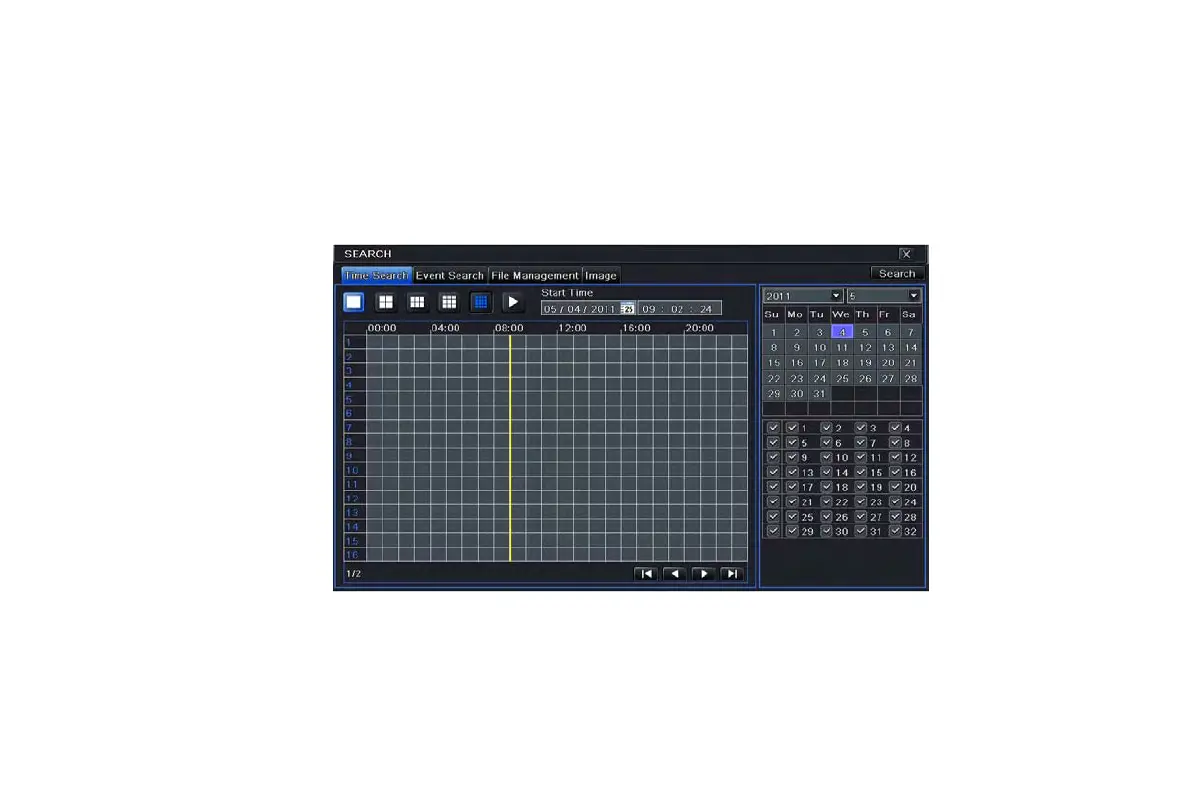
Step1: enter into Search configurationtime search; refer to Fig 5-1:
Fig 5-1 Search configuration-time search
Step2: To search a record select date and channels on the right hand side and press the ‘Search’ button. A date with highlighted
borderline indicates presence of data.
Step 3: Use the grid on the left hand side to identify the presence of data as per the required time. Blue patches indicate presence
of data. This can be selected by clicking a particular grid or by entering the specific value in the time field.
VOOK professional monitoring



 To Next Page