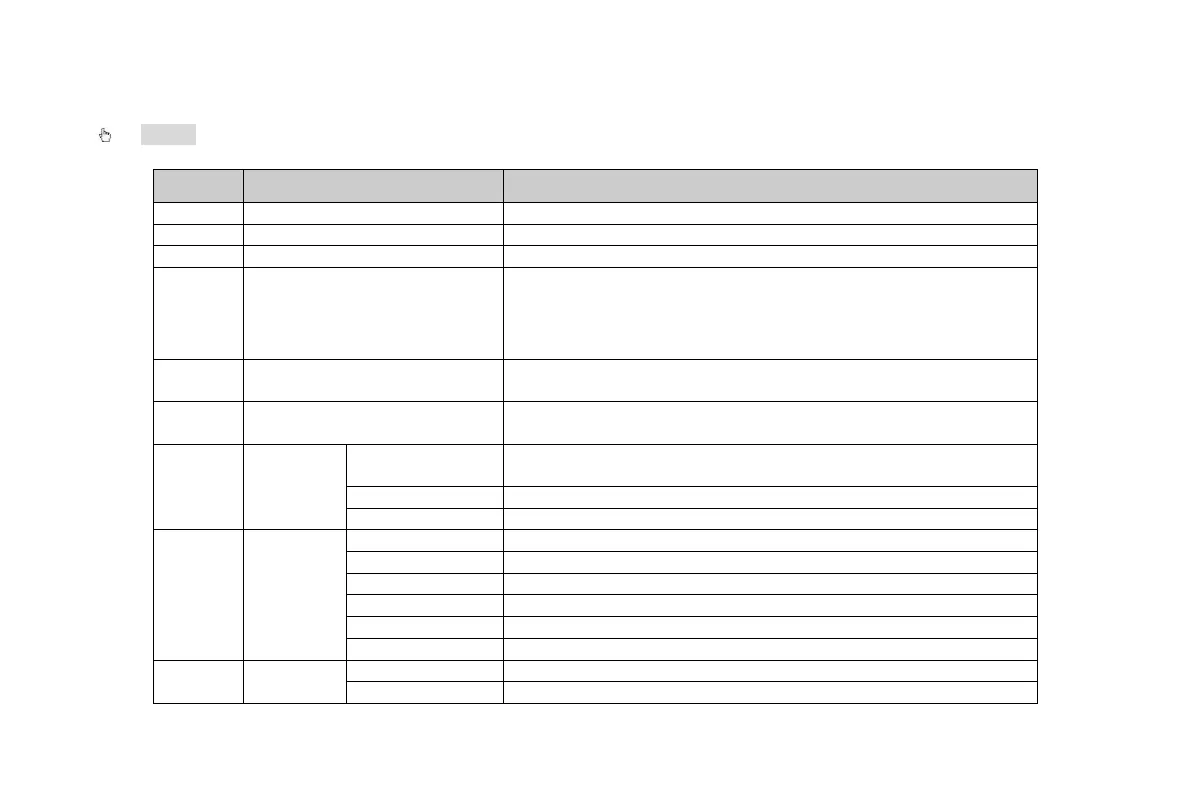
2.2 Front Panel Descriptions
Notice: The front panel descriptions are only for reference; please make the object as the standard.
Item
Name
Function
Soft switch off to stop firmware running. Do it before power off.
Press this button, user can place the DVD to do backup.
Input number 1-9 or choose camera
4
(0/——)
1. represents decade number. 2. Indicates digital number 0.
Eg. Switch to 32 channels, user can press:0/_ _, 3, 2,switch to
20 channels:please press 0/_ _, 2, 0/_ _,switch to 1channel:
please press 1 or press 0/_ _, 0/_ _, 1;
5 AUDIO/+
1. Control voice
2. Increase the value in setup
6 P.T.Z./ -
1. Enter PTZ mode in live
2. Decrease the value in setup
7
Input
button
Change direction to select items
Change screen display mode like1/4/9/16 channel
8
Work
state
indicator
When recording, the light is blue
When HDD is writing and reading , the light is blue
When backup files and data, the light is blue
When access to network , the light is blue
When playing video, the light is blue
Power indicator, when connection , the light is blue
9
VOOK professional monitoring



 To Next Page