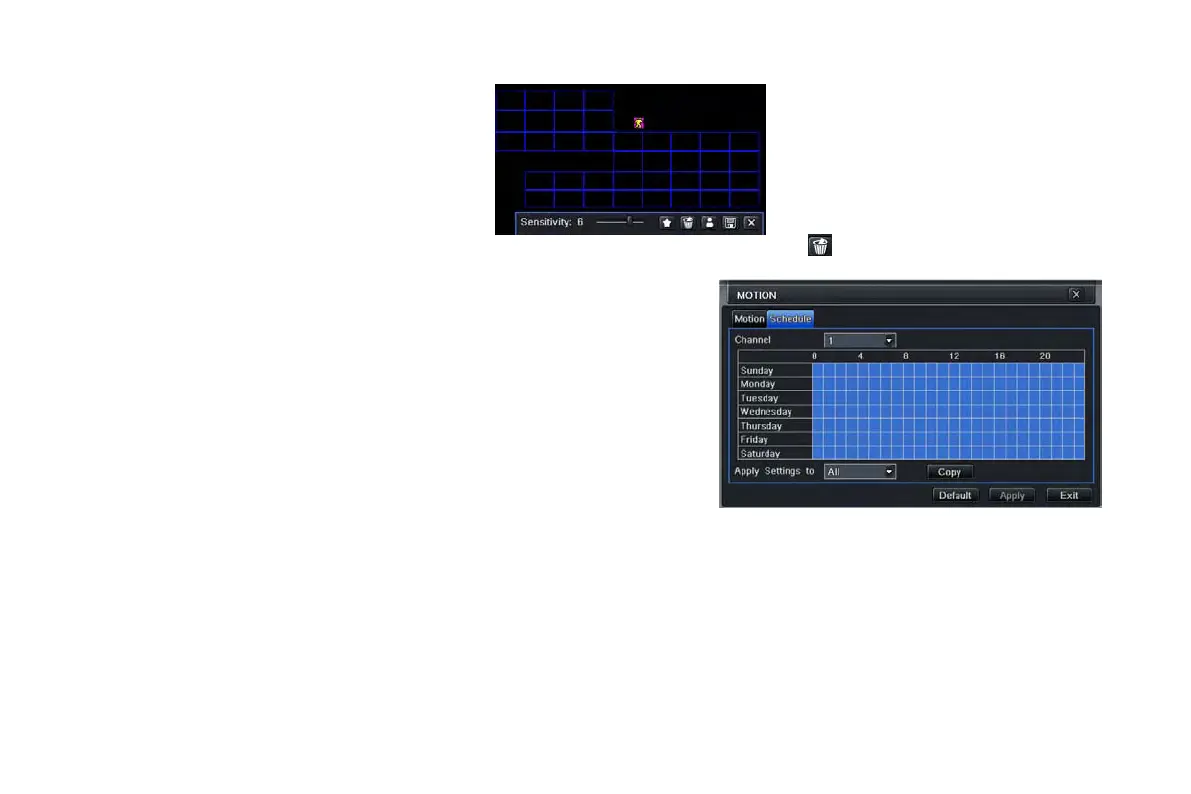
Note: when users drag mouse to set motion detection area, they have to click icon to clear all set detection area
firstly, and then make the operation.
Step 6: user can setup all channels with same
parameters.
② Schedule
Step 1: enter into system configuration alarm
configuration schedule; refer to Fig 4-25:
Step 2: the setup steps of alarm schedule are familiar
with schedule; user can refer to 4.4.1 Schedule for
details.
Fig3-25 alarm configuration-schedule
4.5.3 Video loss
Step 1: enter into system configurationalarm configurationvideo loss; refer to Fig 4-26:
Step 2: the setup steps of video loss trigger are familiar with alarm handling; user can refer to Chapter 4.5.1 Sensor alarm
handling for more details.
Step 3: user can setup all channels with same parameters.
VOOK professional monitoring



 To Next Page