Setup mask area live image mask area
4.3 Record configuration
Record configuration includes six sub menus: enable, record bit rate, time, recycle record, stamp and snap.
4.3.1 Enable
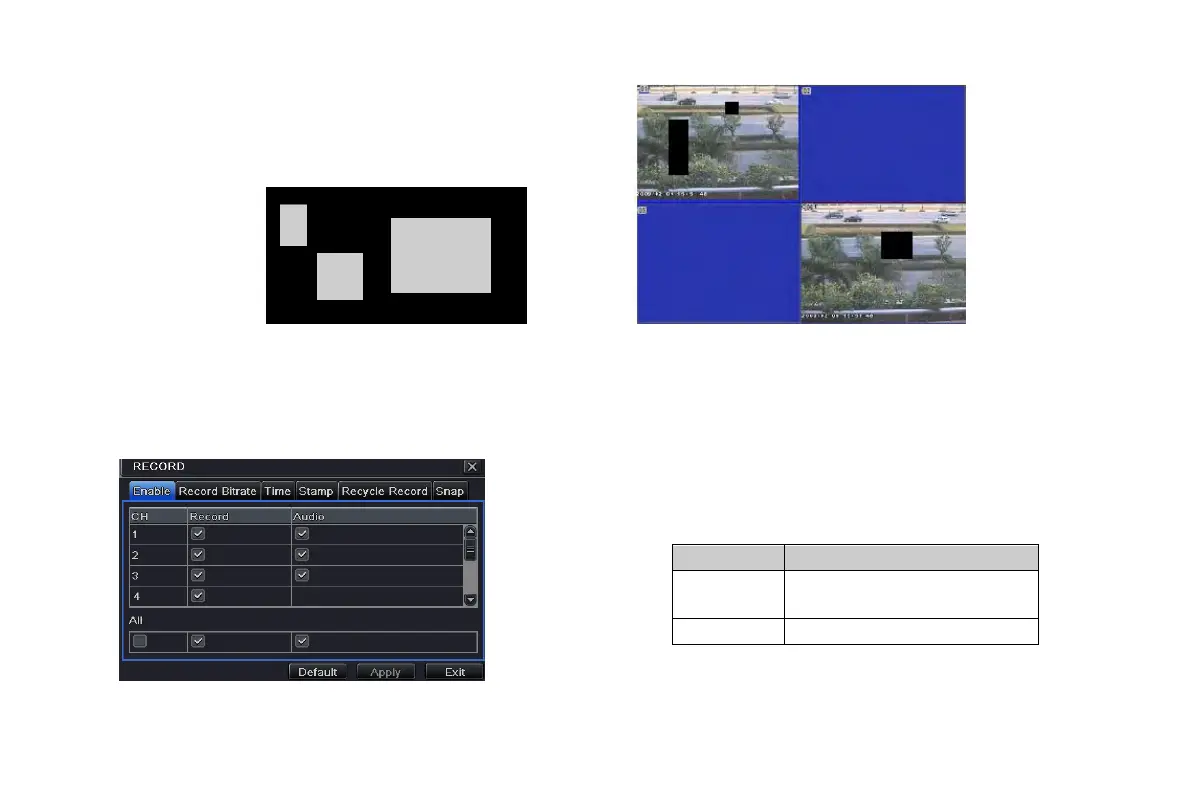
Step1: enter into system configurationrecord configurationenable; refer to Fig 4-11:
Step2: tick off record, audio and record time
Step3: user can setup all channels with same parameters,
tick off “all”, then to do relevant setup.
Fig 4-11 record configuration-enable
Record R
ecord switch of every
channels
VOOK professional monitoring



 To Next Page