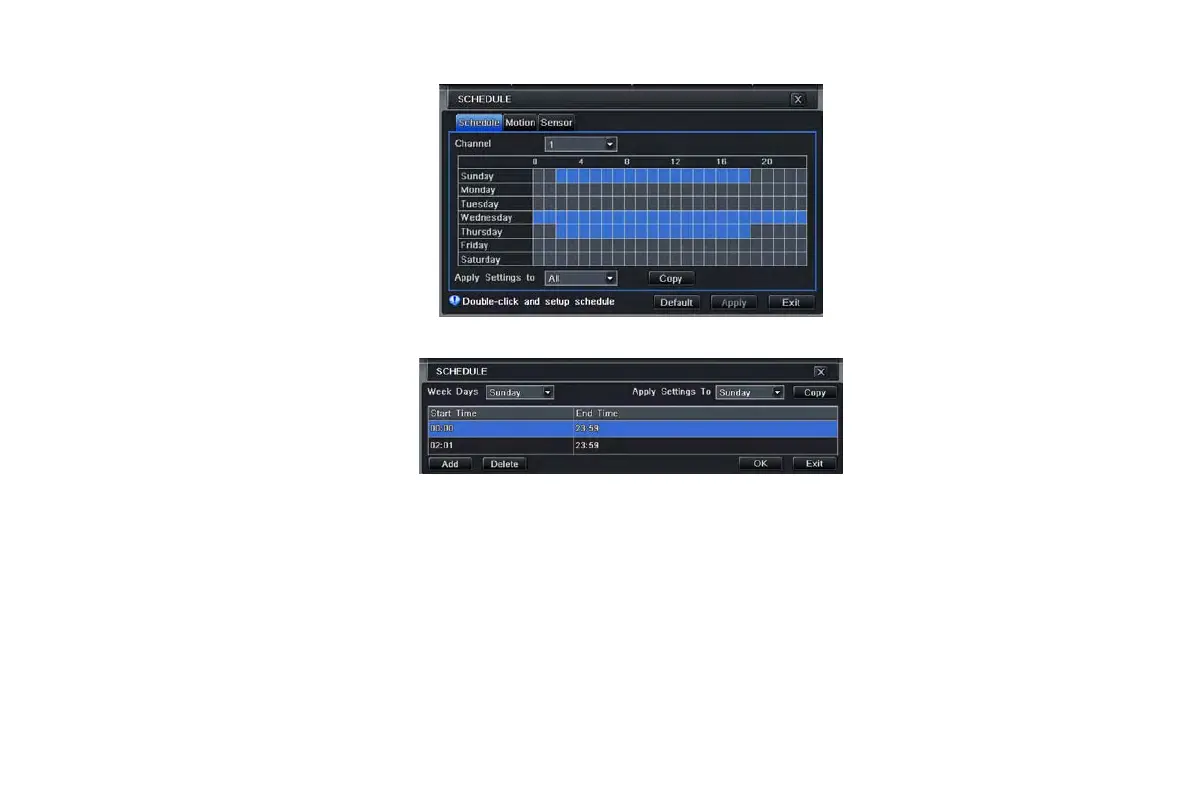
Fig 4-15 schedule configuration-schedule
Step2: select channel and double-click to pop up a dialog box as Fig 4-16. Now user can edit week schedule:
Fig 4-16 schedule-week schedule
① Click “add” button to add a certain day schedule; click “delete” button to delete the selected schedule;
Copy: user can copy the specify schedule to other dates.
Click “OK” button to save the setting; click “Exit” button to exit current interface.
② If user wants to apply the schedule setting of certain channel to other or all channels, just only select channel and click
“Copy” button.
4.4.2 Motion
Step1: enter into system configurationschedule configurationmotion; refer to Fig 4-17:
Step2: the setup steps of motion are familiar with schedule; user can refer to 4.4.1 Schedule for details.
VOOK professional monitoring



 To Next Page