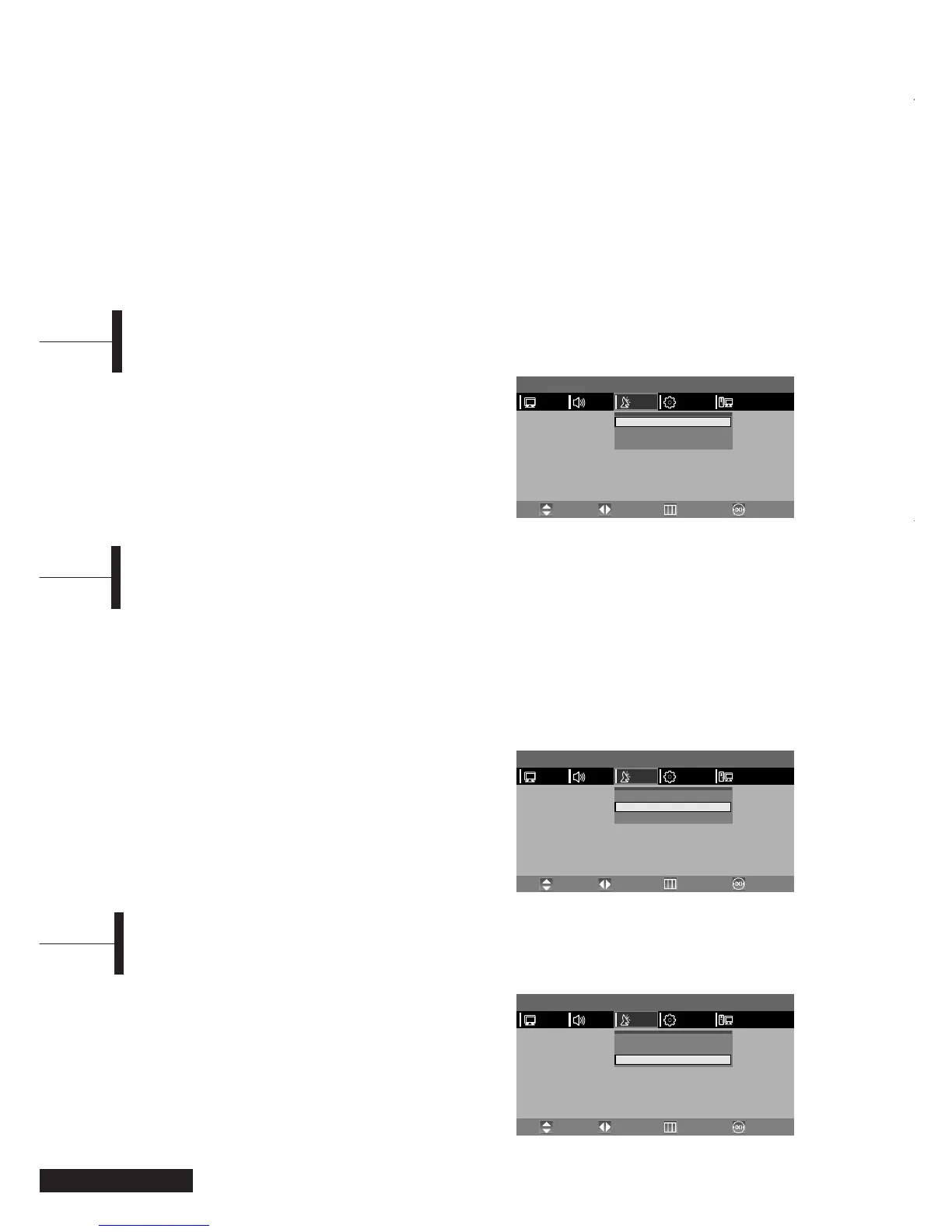
ΠPress the TV.MENU button. The OSD MENU will
be displayed.
´ Select SETUP using the œ/√ button.
ˇ Select AUTO PROGRAMMING using the ▲/▼
button and then press the √ button.
¨ Select your COUNTRY using the œ/√ button and
then press the
▼ button.
Eng - 10
When storing channels manually, you can choose:
-Whether or not to store each of the channels
found.
- The programme number by which you wish to
identify each stored channel.
ΠPress the TV.MENU button. The OSD MENU will
be displayed.
´ Select SETUP using the œ/√ button.
ˇ Select MANUAL PROGRAM using the ▲/▼ button
and then press the
√ button.
¨ Select SYSTEM using the œ/√ button.
AUTO
➞ BG ➞ I ➞ DK➞ M ➞ L ➞ LP ➞ AUTO
ˆ Select PROGRAM NO. using the ▲/▼ button and
press the
œ/√ button to select the required
channel number.
Ø Select SEARCH using the ▲/▼ button and then
press the
√ button.
The tune scans the frequency range until the first
channel on the channel that you selected is
received on your screen.
∏ Select STORE using the ▲/▼ button and then
press the
√ button.
” Repeat Step 5 to 7 for each channel to be stored.
Manual Storing of Channels
ΠPress the TV.MENU button. The OSD MENU will
be displayed.
´ Select SETUP using the œ/√ button.
ˇ Select Program Edit using the ▲/▼ button and
then press the
√ button.
¨ Select NAME using the œ/√ button and press the
▲/▼/œ/√ buttons to edit the name.
▲/▼: Select the characters (A~ Z, 0~9, -, +).
œ/√: move on the previous or next letter.
ˆ Press the EXIT button to exit the menu.
Channel Name
Storing Channels Automatically
Adjust the volume using the VOL ▲/▼ button.
Adjusting the Volume
Press the MUTE button. You can conveniently use the MUTE button when a telephone or a door bell rings.
To cancel, press the
MUTE button again.
Muting the Sound
Press the LINE button. For connection and setup procedures, refer to page 7-9.
Viewing a Video, DVD or COMPONENT
MENU
PICTURE
Auto Program
Manual Program
Program Edit
√
√
√
PCFUNCTIONSETUPSOUND
Move PreviousAdjust Exit
MENU
PICTURE
Auto Program
Manual Program
Program Edit
√
√
√
PCFUNCTIONSETUPSOUND
Move PreviousAdjust Exit
MENU
PICTURE
Auto Program
Manual Program
Program Edit
√
√
√
PCFUNCTIONSETUPSOUND
Move PreviousAdjust Exit



 To Next Page